
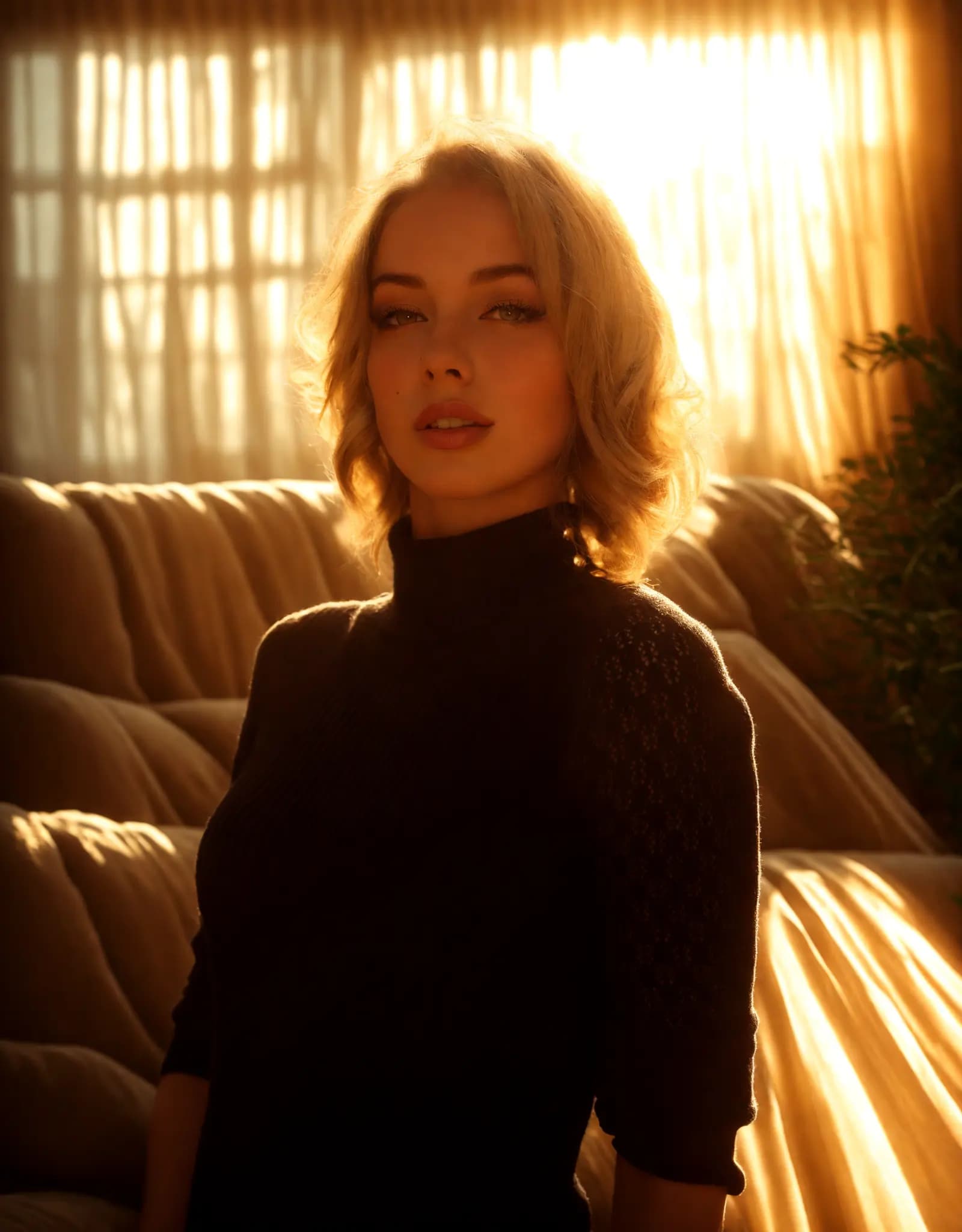
Warm golden hour glow
Portrait Relighting - Just Describe the Look
Fix harsh shadows, flat lighting, or dark portraits with a simple prompt. Describe the look you want, and Relight AI creates cleaner, more flattering portrait lighting in seconds.
Relight AI runs on a custom-trained relighting model. Choose Quick to pick a preset and go, or use Prompt to type what you want and let AI do the rest. Professional results either way.
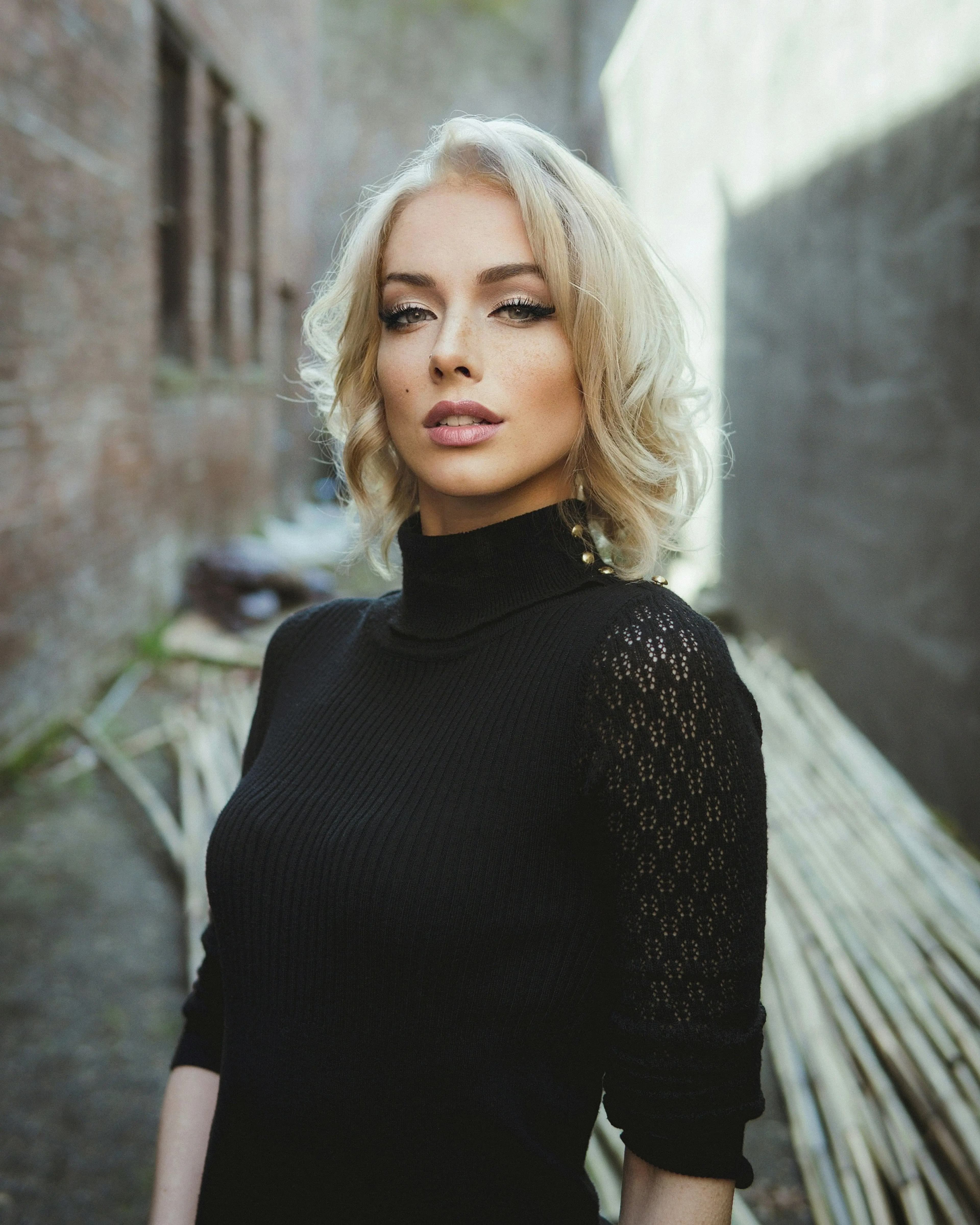
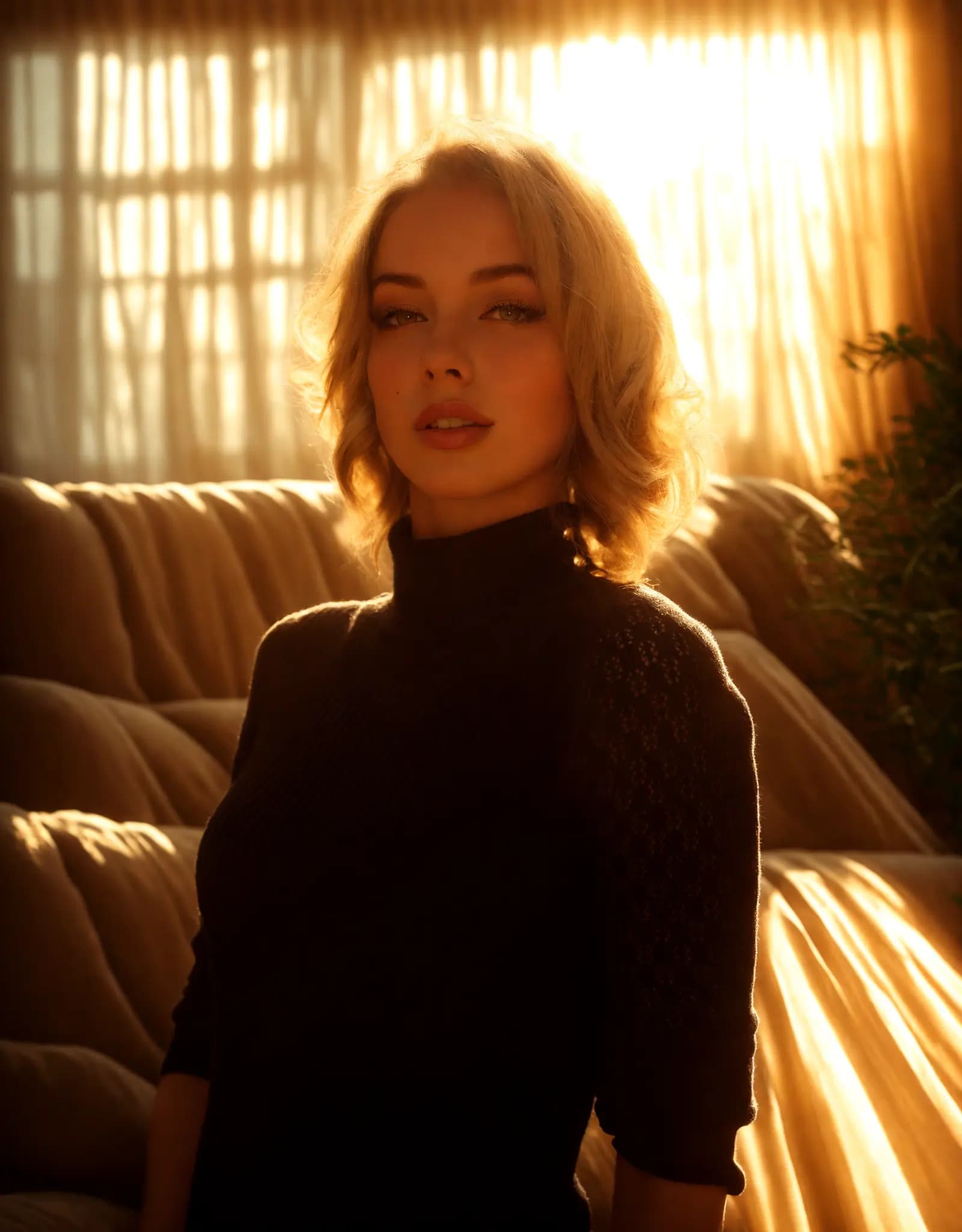
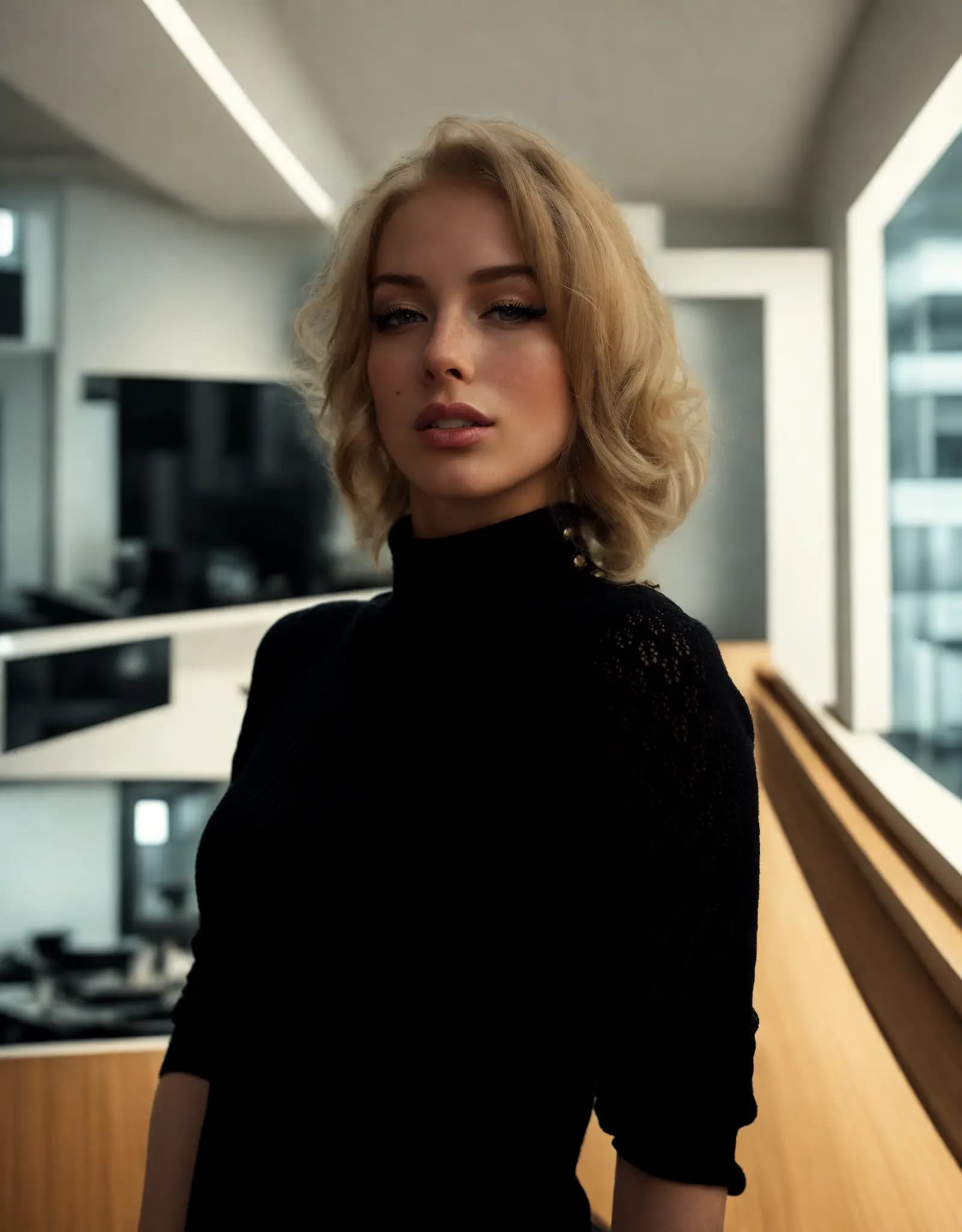
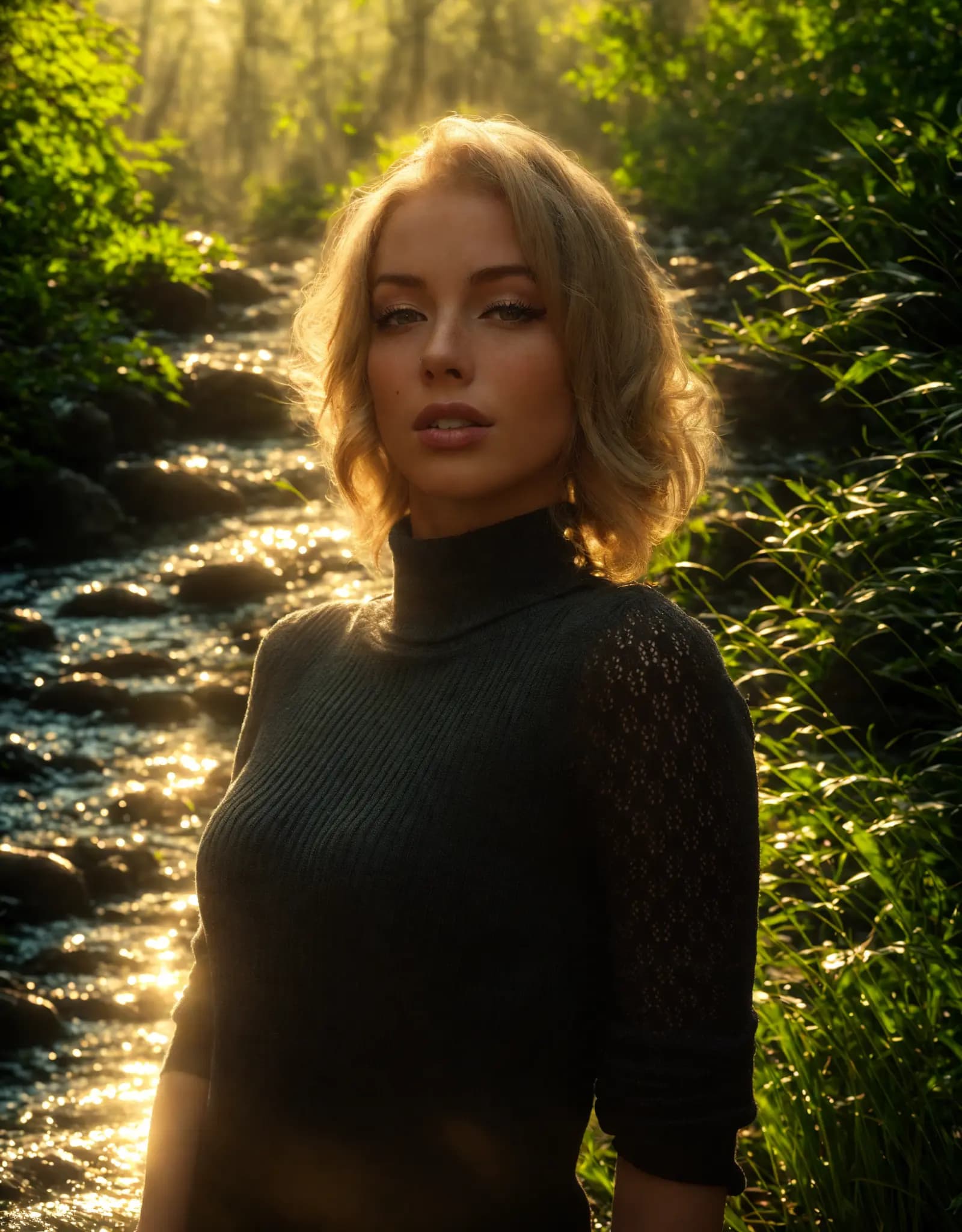
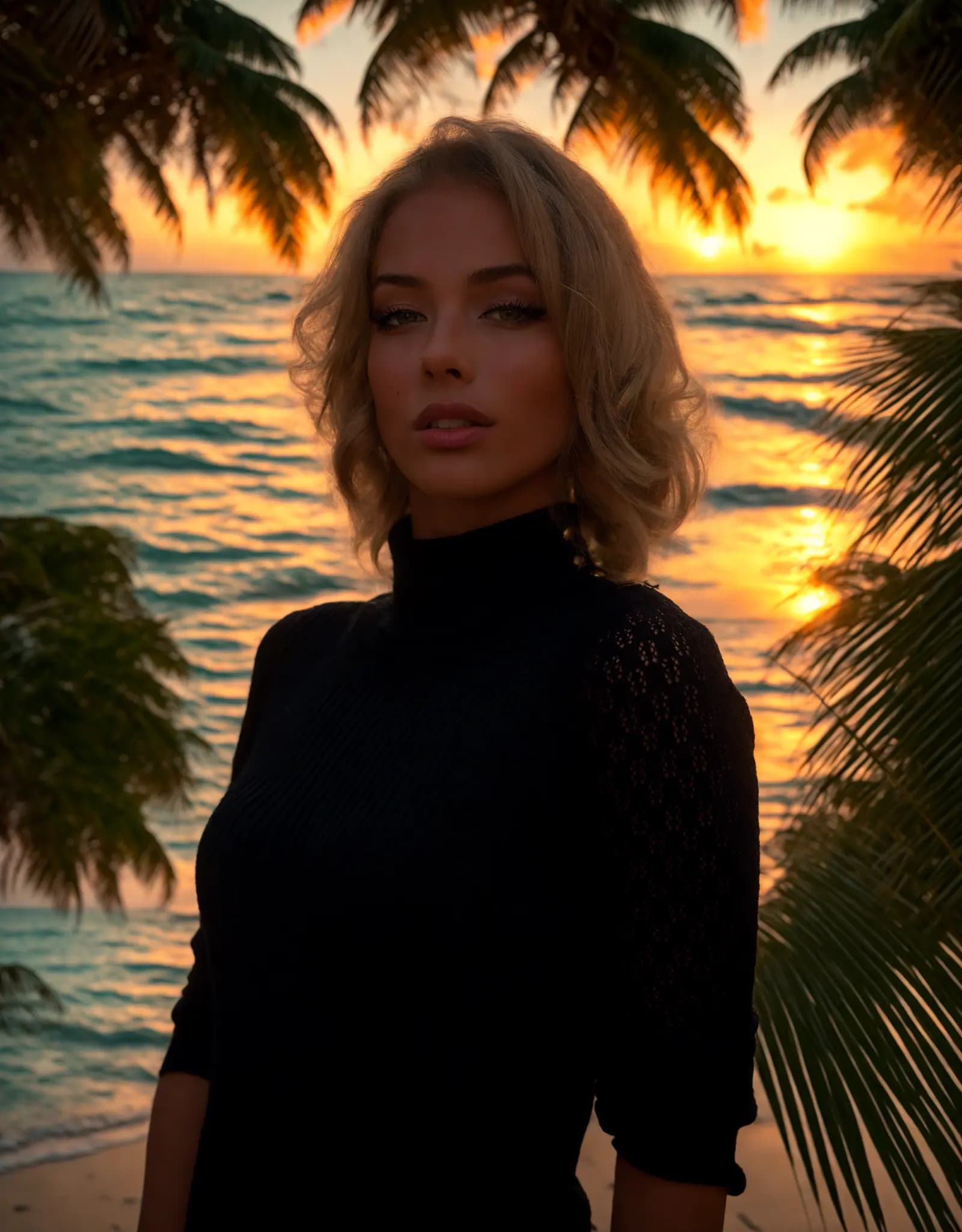
Describe the lighting you want, and Relight AI transforms your photos in seconds. No sliders, no design skills required.
Fix harsh shadows, flat lighting, or dark portraits with a simple prompt. Describe the look you want, and Relight AI creates cleaner, more flattering portrait lighting in seconds.
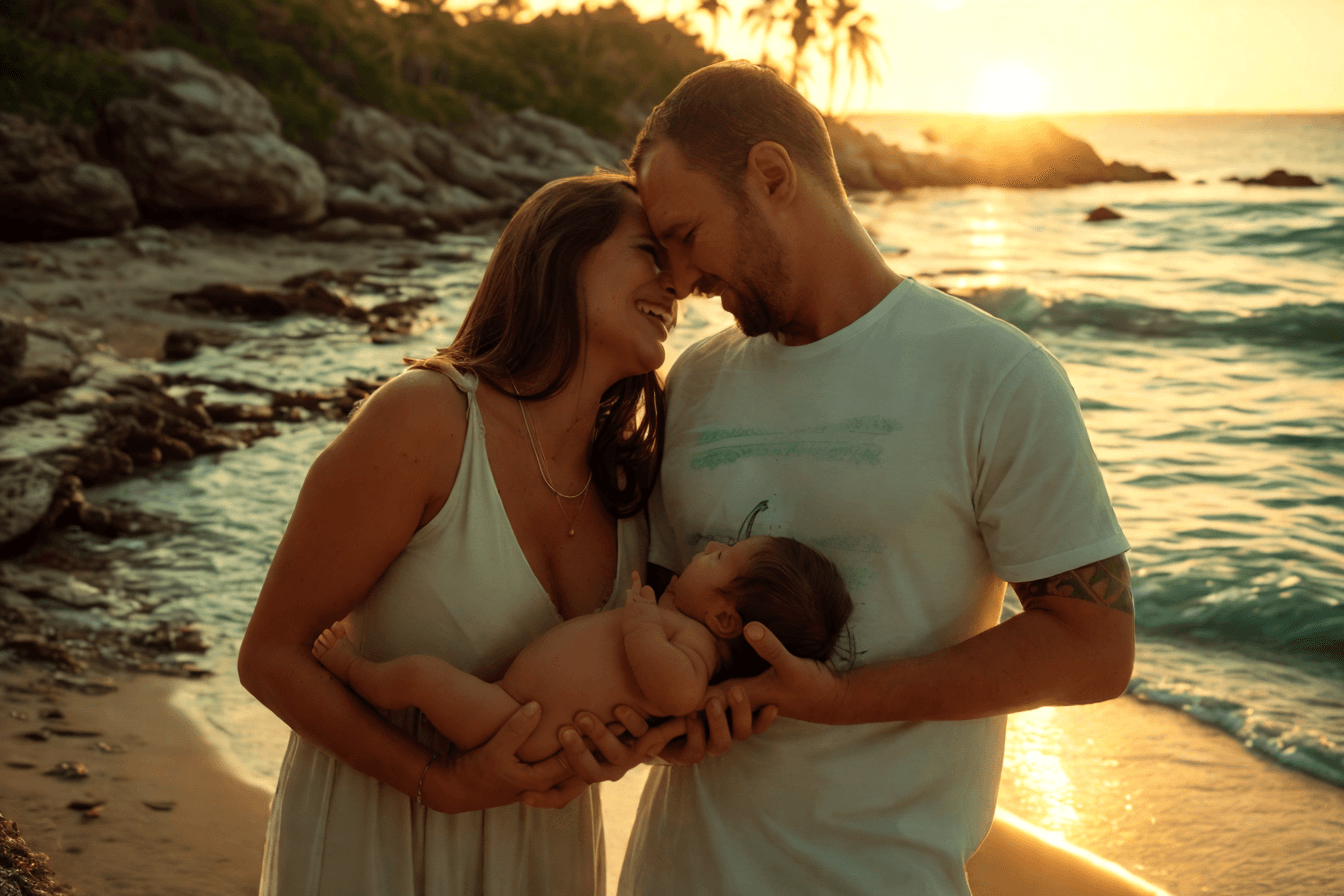
Create clean, consistent product photos for catalogs, marketplaces, and ads. Use one prompt to apply studio lighting, soft shadows, or a warmer lifestyle look.

Upload multiple photos, write one prompt, and apply the same lighting style across the batch. Ideal for product sets, real estate shoots, and large photo libraries.
Adjust photo lighting directly in your browser with free online relighting tools.
Fix dark photos, flat lighting, harsh shadows, and uneven exposure with a fast online relighting workflow.
Clipdrop Relight is powerful, but Relight AI offers a faster, browser-based way to relight photos with no sign-up, no installation, and flexible prompt control.
Click the [Upload] button to select your image in PNG, JPEG, or WEBP format, with a maximum file size of 5MB.
Enter a detailed description of your desired background in the [Background Prompt] field. Be specific about the elements and lighting effects you want to achieve, as this will help the AI generate the best results.
Click the [Relight] button to have our AI model change the photo background. This process typically takes 10-15 seconds.
FAQ
Yes. Relight AI includes free credits so you can try photo relighting online. You can also subscribe to unlock more features and get additional credits.
Yes. Your photos are handled securely and are not kept forever. Relight AI follows a regular deletion policy to remove uploaded and generated images after a limited period.
Use Quick Mode when you want faster results with ready-made lighting presets. Use Prompt Mode when you want more flexible control by describing the exact lighting style you want.
Clear photos with a visible subject work best. Portraits, product photos, and lifestyle images usually produce stronger results when the main subject is sharp and easy to recognize.
The best prompts describe lighting direction, mood, color, and intensity. Try phrases like warm golden hour light, soft studio lighting from the left, or dramatic side light with gentle shadows.
Relight AI supports common image formats such as JPG, PNG, and WEBP. For better results, upload a clear, high-resolution image whenever possible.
Relight AI uses a custom-trained model built specifically for photo relighting, with fast browser-based editing, Quick presets, and flexible Prompt control.