
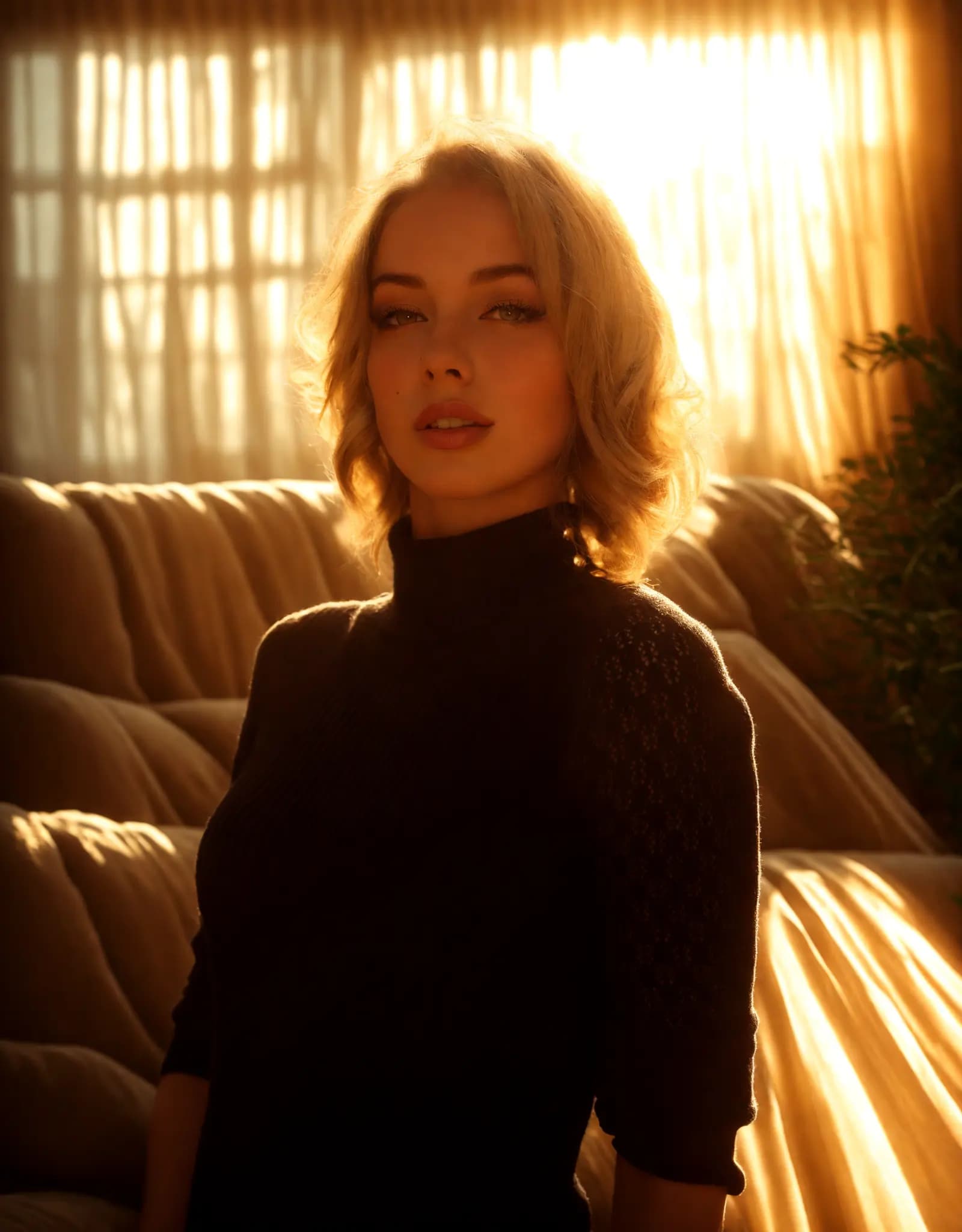
Warm golden hour glow
Portrait Relighting - Just Describe the Look
Fix harsh shadows, flat lighting, or dark portraits with a simple prompt. Describe the look you want, and Relight AI creates cleaner, more flattering portrait lighting in seconds.
مساعد الاستوديو المدعوم بالذكاء الاصطناعي
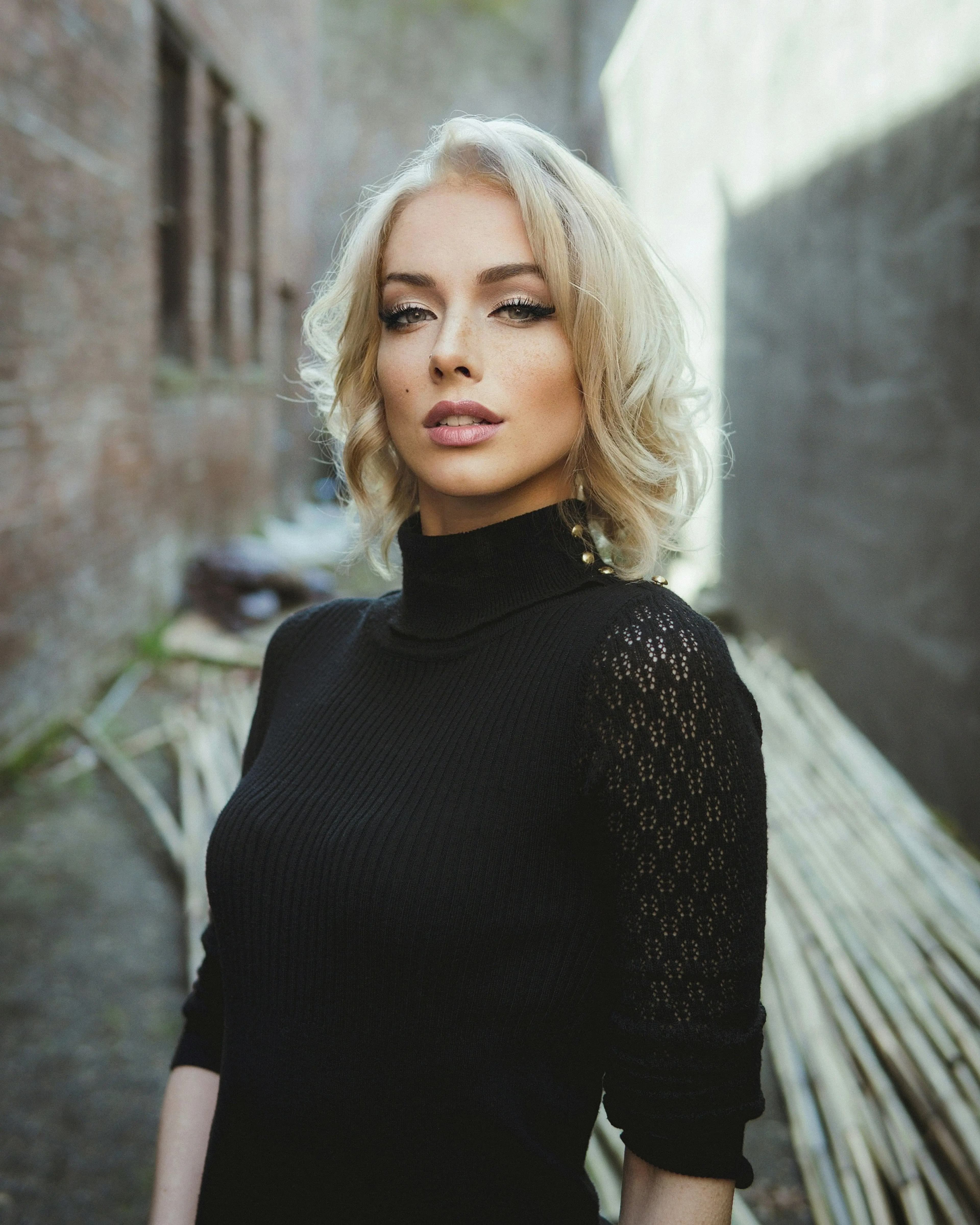
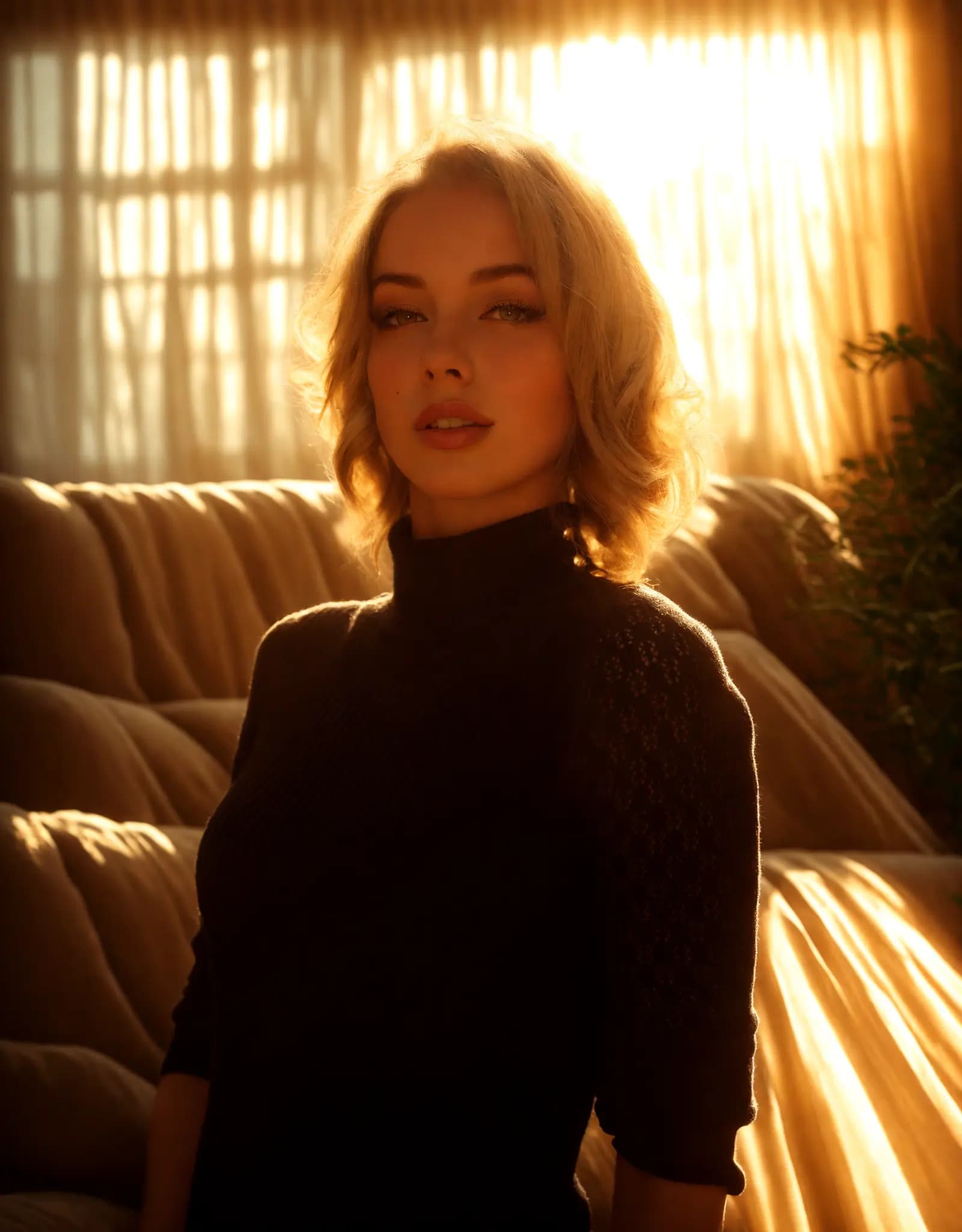
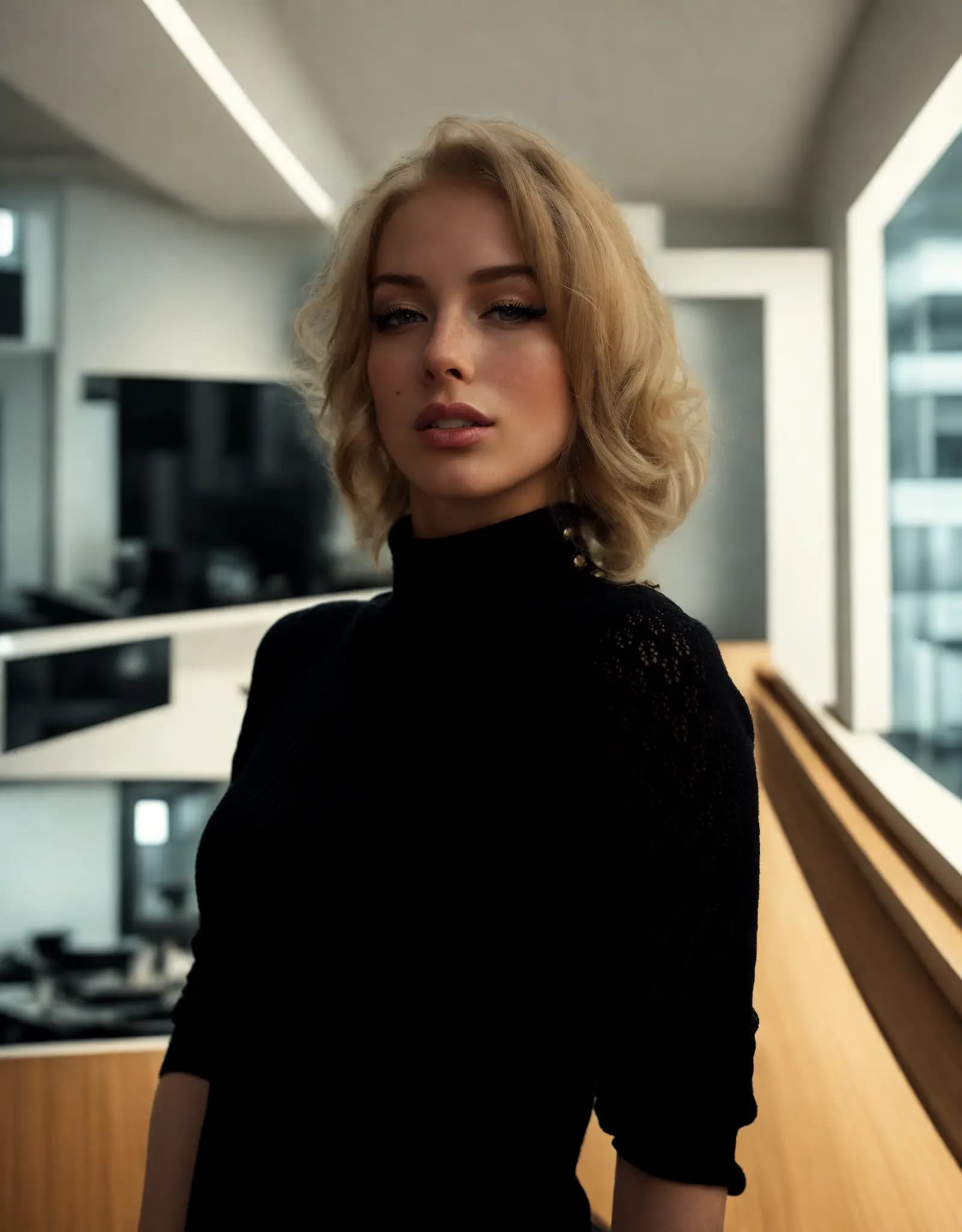
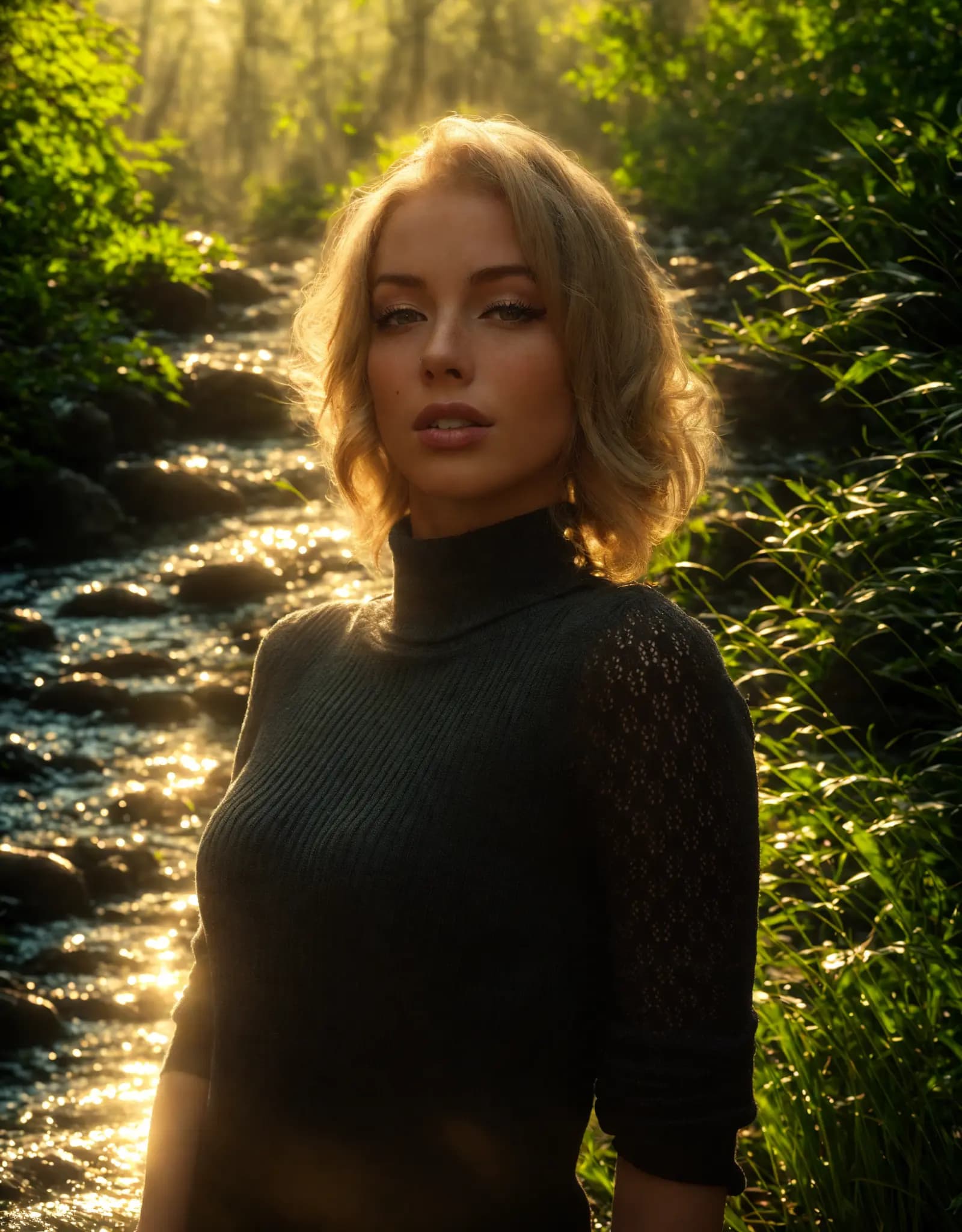

Describe the lighting you want, and Relight AI transforms your photos in seconds. No sliders, no design skills required.
Fix harsh shadows, flat lighting, or dark portraits with a simple prompt. Describe the look you want, and Relight AI creates cleaner, more flattering portrait lighting in seconds.
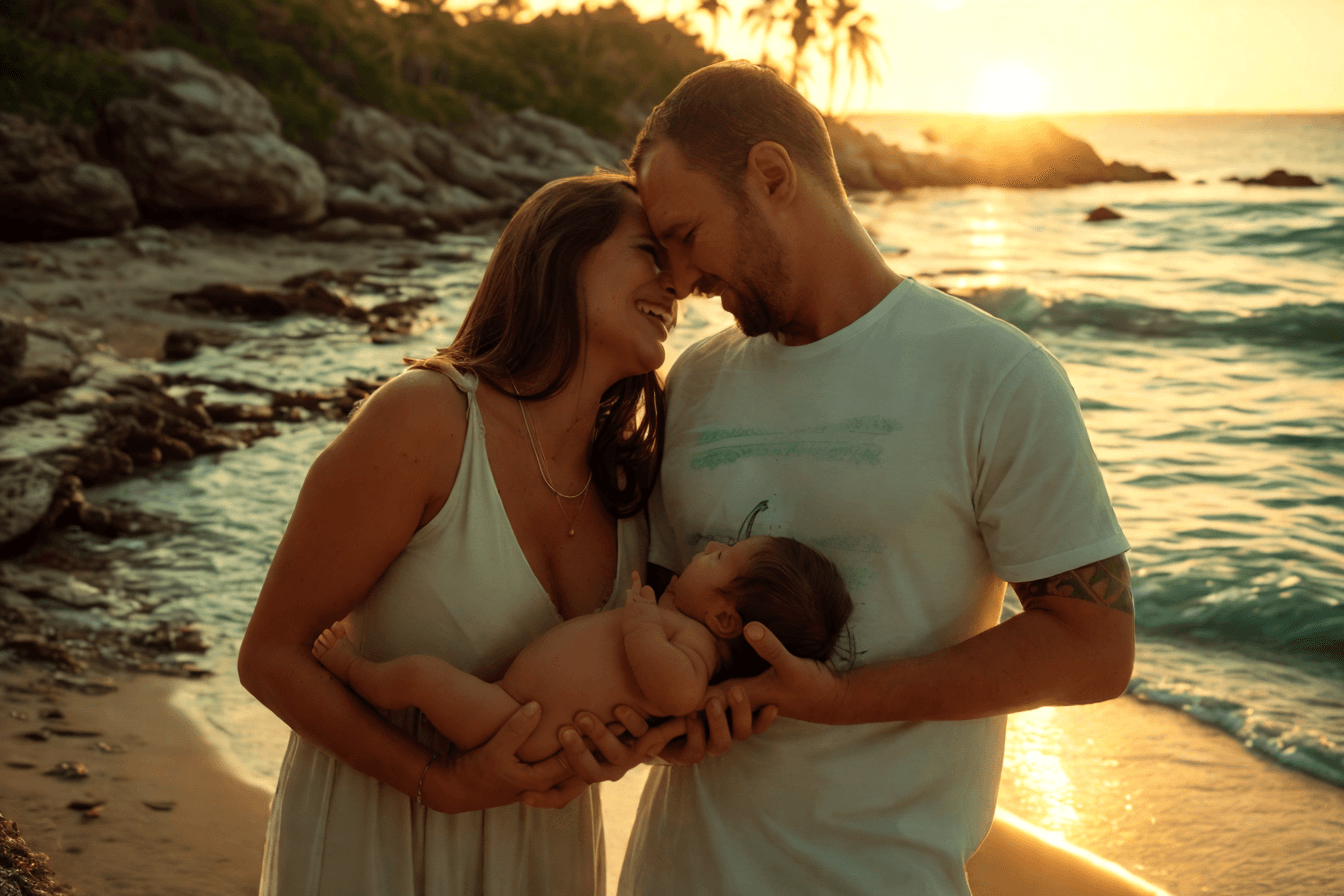
Create clean, consistent product photos for catalogs, marketplaces, and ads. Use one prompt to apply studio lighting, soft shadows, or a warmer lifestyle look.

Upload multiple photos, write one prompt, and apply the same lighting style across the batch. Ideal for product sets, real estate shoots, and large photo libraries.
Adjust photo lighting directly in your browser with free online relighting tools.
Fix dark photos, flat lighting, harsh shadows, and uneven exposure with a fast online relighting workflow.
Clipdrop Relight is powerful, but Relight AI offers a faster, browser-based way to relight photos with no sign-up, no installation, and flexible prompt control.
انقر على زر [تحميل] لاختيار صورتك بتنسيق PNG أو JPEG أو WEBP، بحد أقصى 5 ميجابايت.
أدخل وصفاً مفصلاً للخلفية المطلوبة في حقل [نص الخلفية التوجيهي]. كن محدداً بشأن العناصر وتأثيرات الإضاءة التي تريد تحقيقها، حيث سيساعد ذلك الذكاء الاصطناعي على توليد أفضل النتائج.
انقر على زر [تحسين] ليغير نموذج الذكاء الاصطناعي خلفية الصورة. تستغرق هذه العملية عادة 10-15 ثانية.
الأسئلة الشائعة
Home.faq.items.free.answer
Home.faq.items.privacy.answer
Home.faq.items.usage.answer
Home.faq.items.photoTypes.answer
Home.faq.items.prompts.answer
Home.faq.items.formats.answer
Home.faq.items.difference.answer