
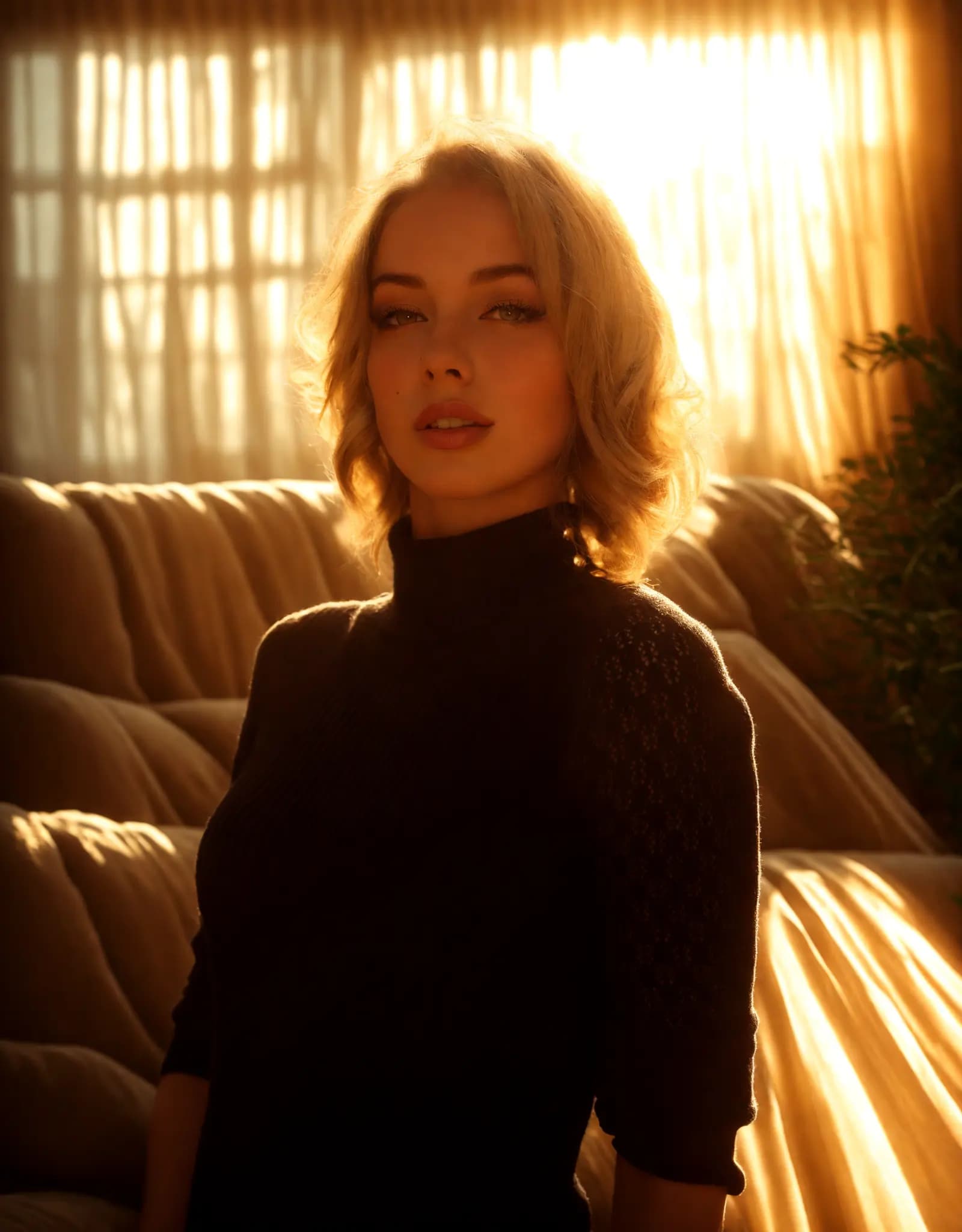
Warm golden hour glow
Portrait Relighting - Just Describe the Look
Fix harsh shadows, flat lighting, or dark portraits with a simple prompt. Describe the look you want, and Relight AI creates cleaner, more flattering portrait lighting in seconds.
Ihr KI-gestützter Studio-Assistent
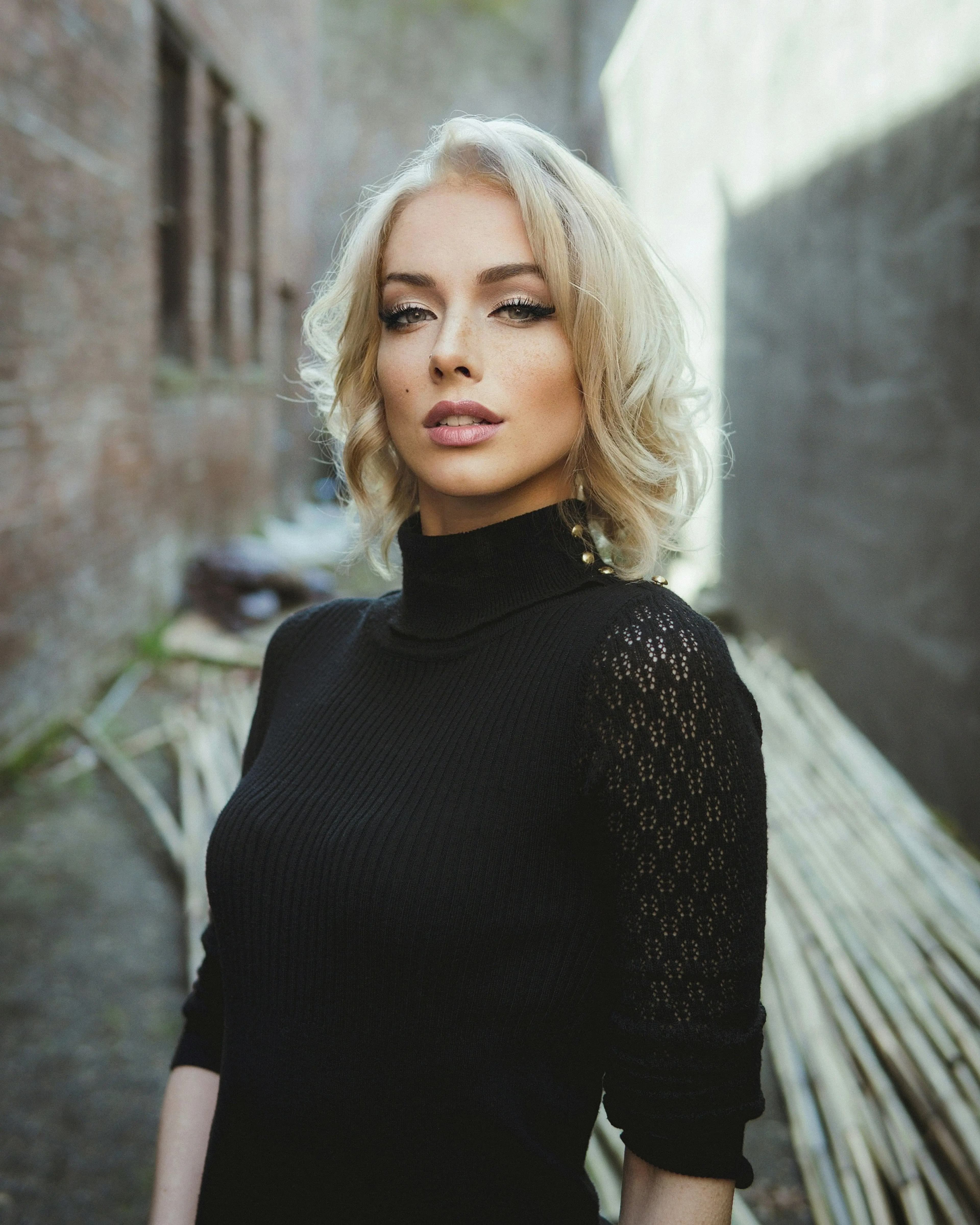
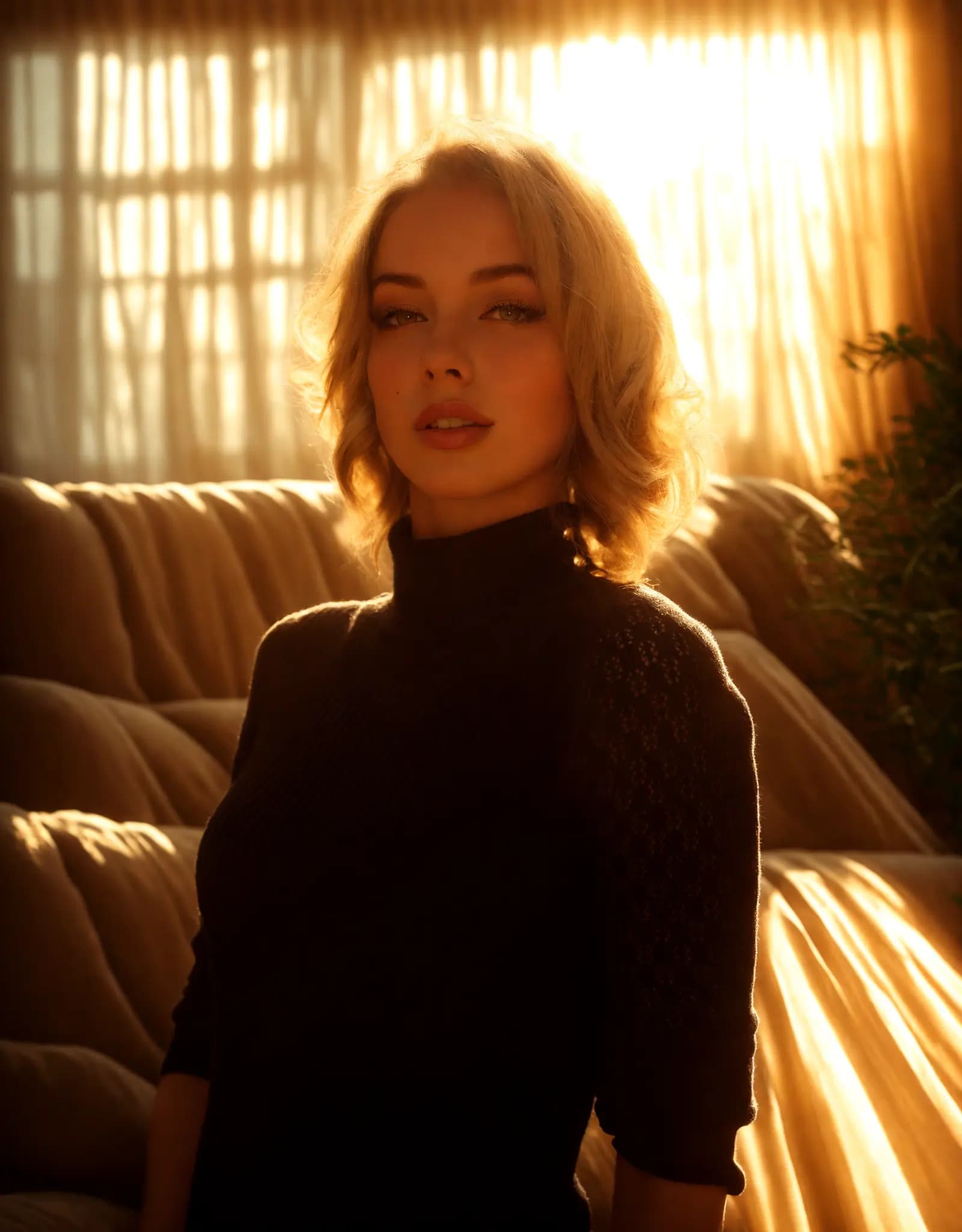
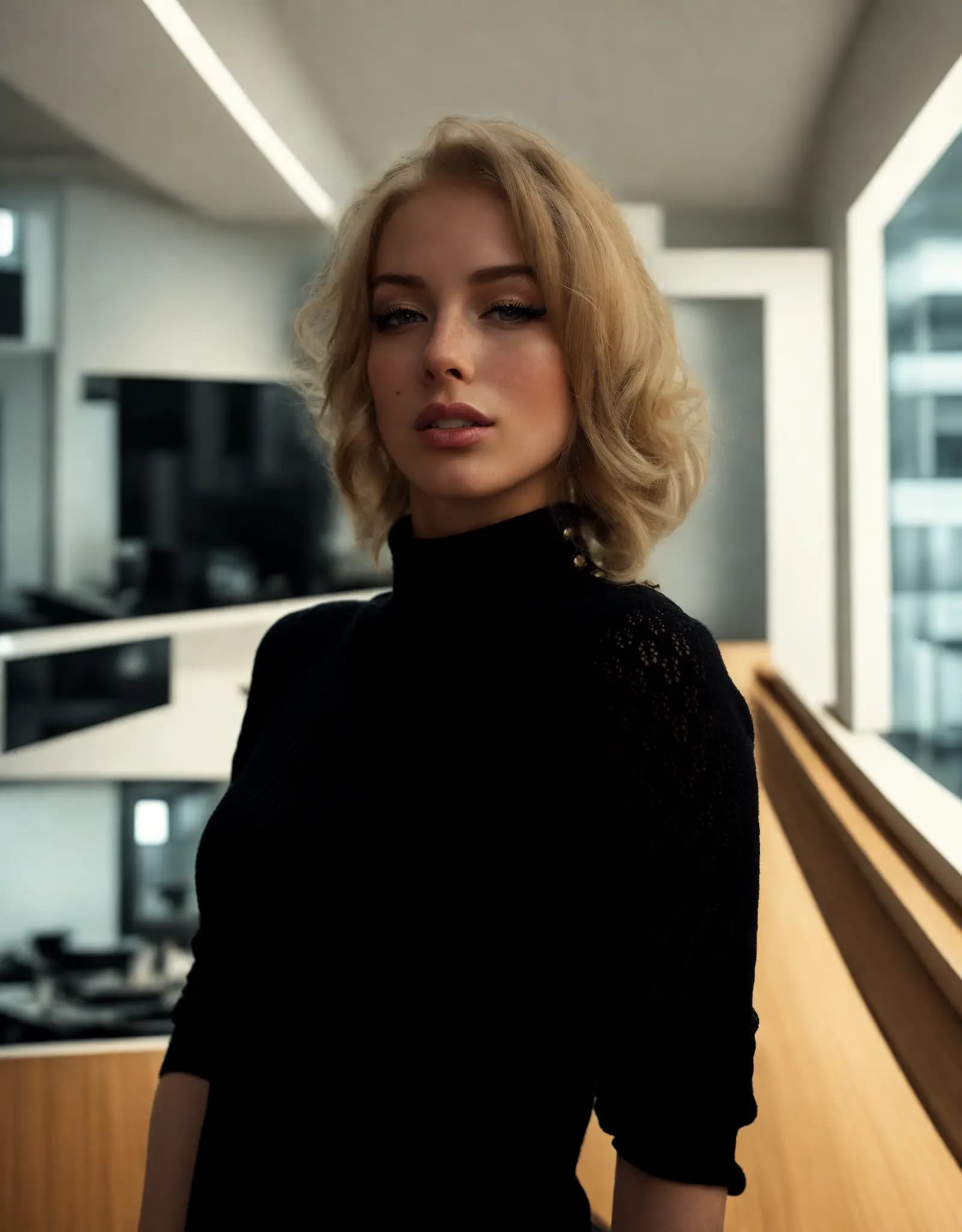
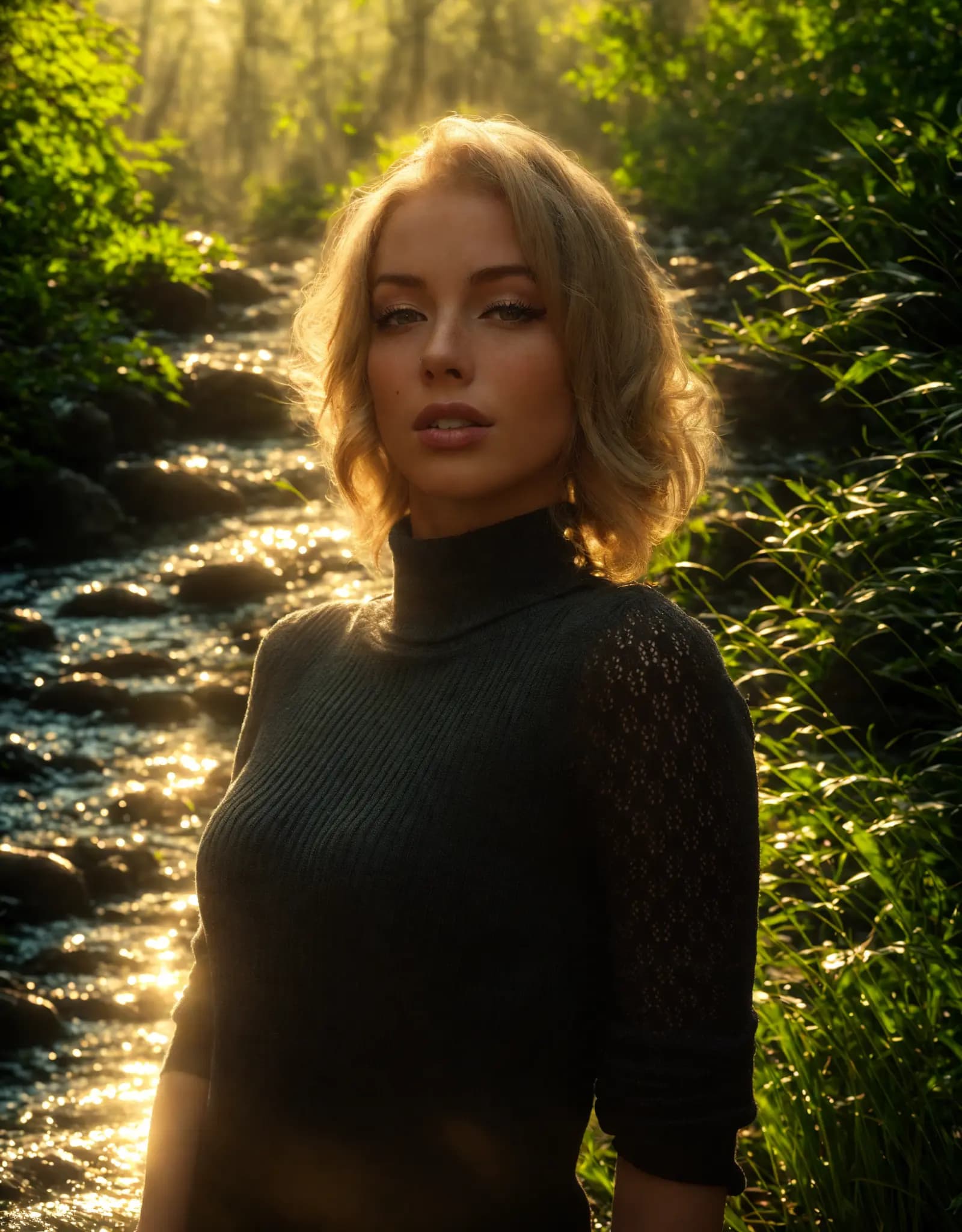
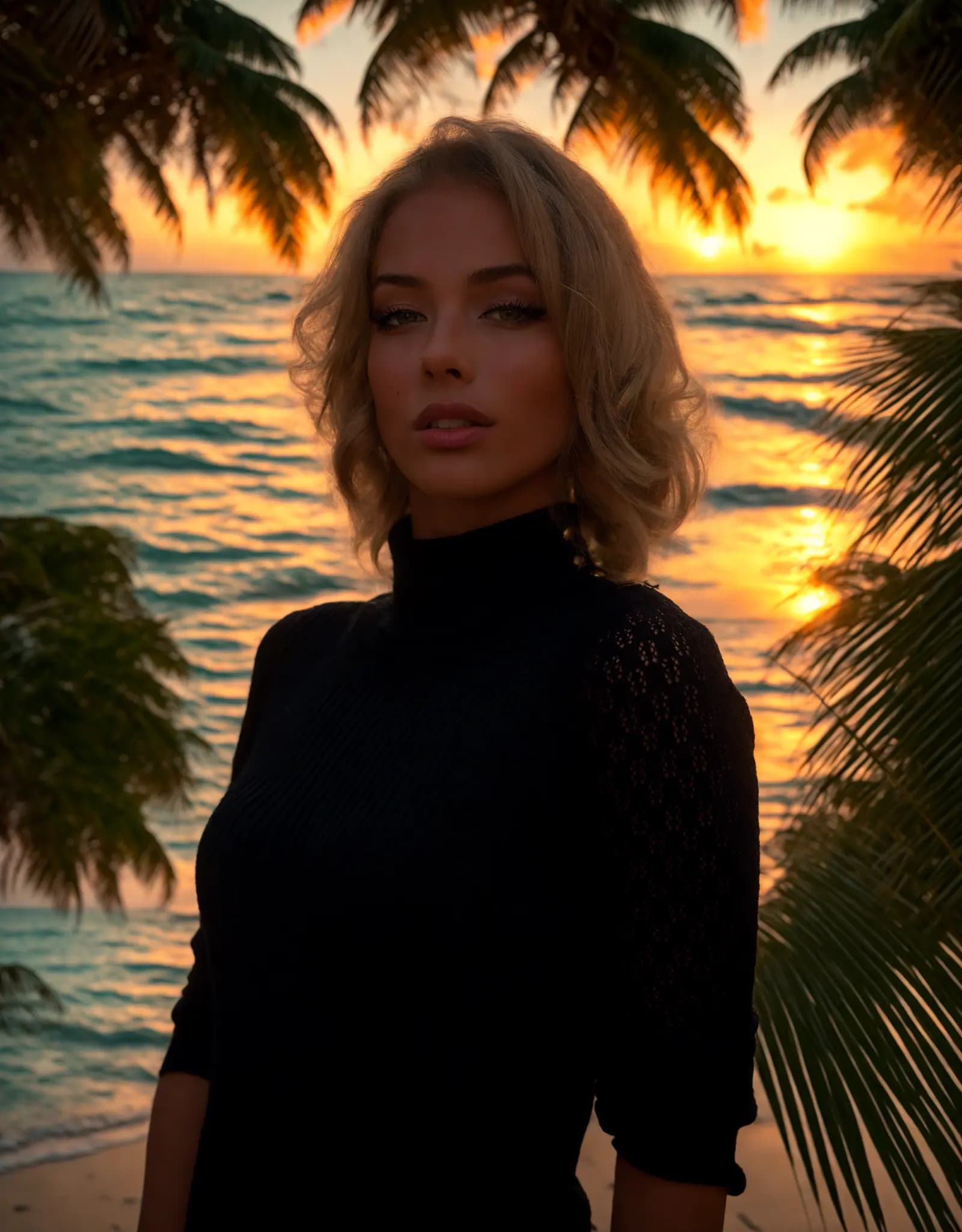
Describe the lighting you want, and Relight AI transforms your photos in seconds. No sliders, no design skills required.
Fix harsh shadows, flat lighting, or dark portraits with a simple prompt. Describe the look you want, and Relight AI creates cleaner, more flattering portrait lighting in seconds.
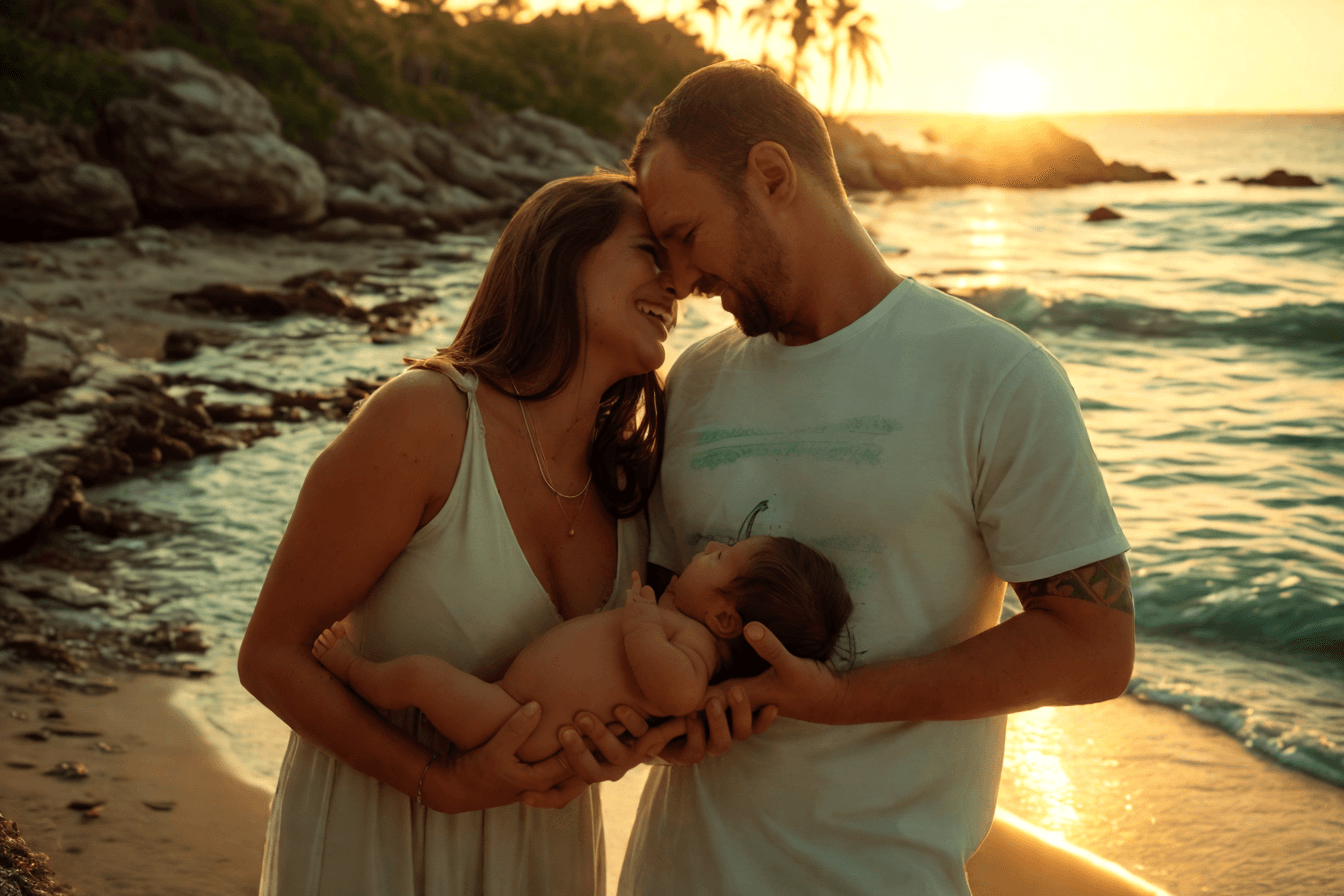
Create clean, consistent product photos for catalogs, marketplaces, and ads. Use one prompt to apply studio lighting, soft shadows, or a warmer lifestyle look.

Upload multiple photos, write one prompt, and apply the same lighting style across the batch. Ideal for product sets, real estate shoots, and large photo libraries.
Adjust photo lighting directly in your browser with free online relighting tools.
Fix dark photos, flat lighting, harsh shadows, and uneven exposure with a fast online relighting workflow.
Clipdrop Relight is powerful, but Relight AI offers a faster, browser-based way to relight photos with no sign-up, no installation, and flexible prompt control.
Klicken Sie auf die Schaltfläche [Hochladen], um Ihr Bild im PNG-, JPEG- oder WEBP-Format auszuwählen, mit einer maximalen Dateigröße von 5 MB.
Geben Sie eine detaillierte Beschreibung des gewünschten Hintergrunds im Feld [Hintergrund-Prompt] ein. Seien Sie spezifisch bezüglich der Elemente und Beleuchtungseffekte, die Sie erreichen möchten, da dies der KI hilft, die besten Ergebnisse zu erzielen.
Klicken Sie auf die Schaltfläche [Relight], damit unser KI-Modell den Foto-Hintergrund ändert. Dieser Prozess dauert in der Regel 10-15 Sekunden.
FAQ
Home.faq.items.free.answer
Home.faq.items.privacy.answer
Home.faq.items.usage.answer
Home.faq.items.photoTypes.answer
Home.faq.items.prompts.answer
Home.faq.items.formats.answer
Home.faq.items.difference.answer