
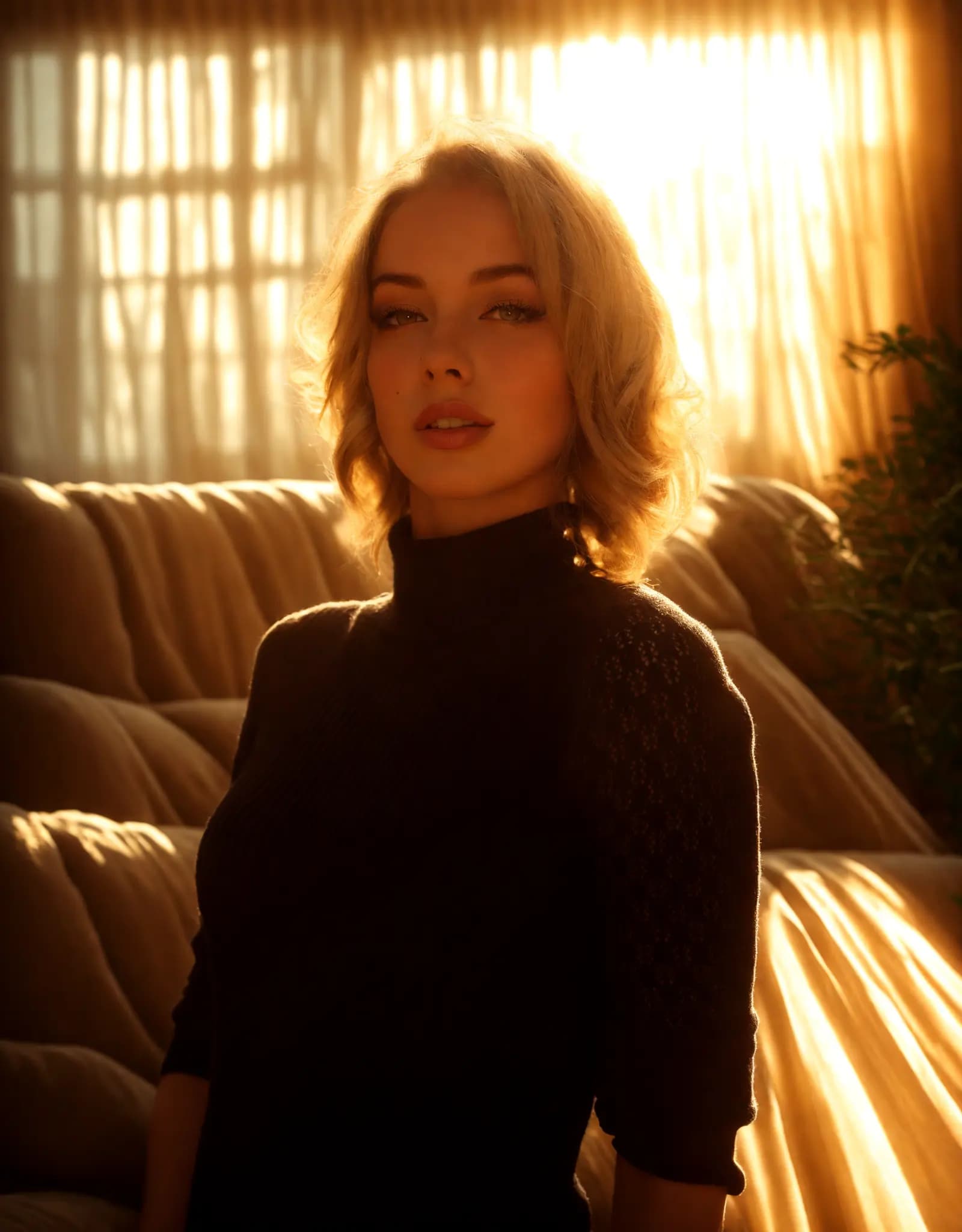
Warm golden hour glow
Portrait Relighting - Just Describe the Look
Fix harsh shadows, flat lighting, or dark portraits with a simple prompt. Describe the look you want, and Relight AI creates cleaner, more flattering portrait lighting in seconds.
Tu asistente de estudio con IA
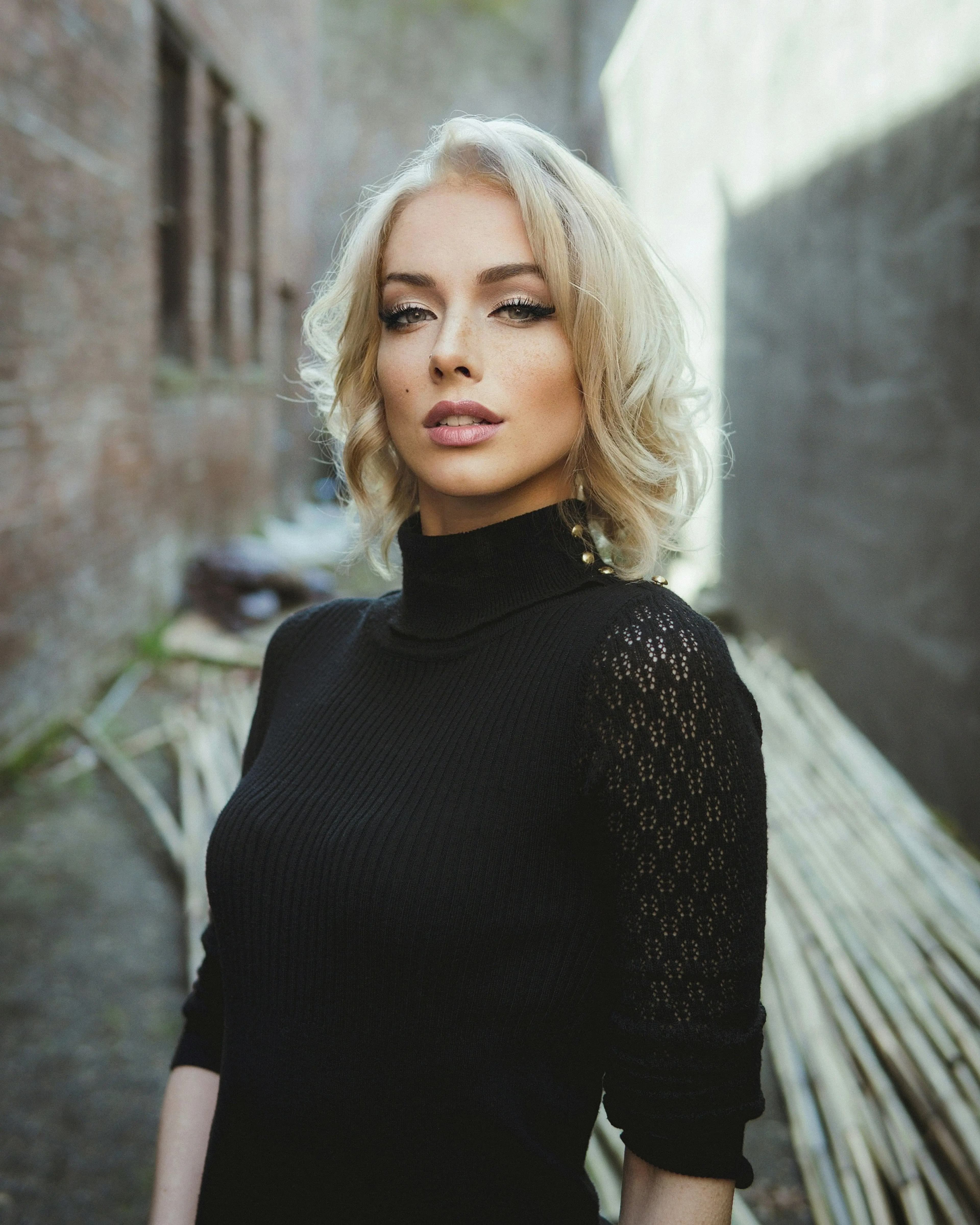
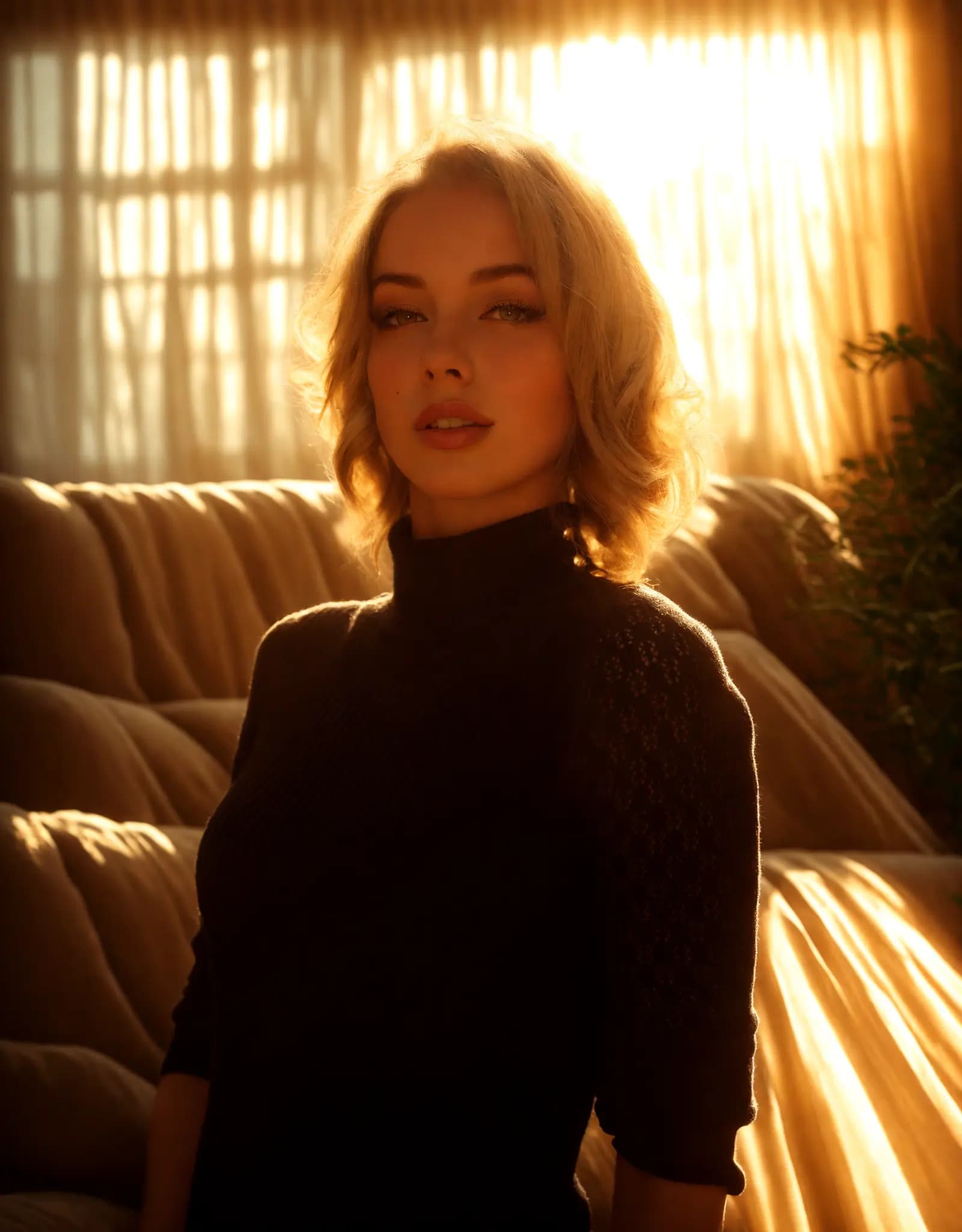
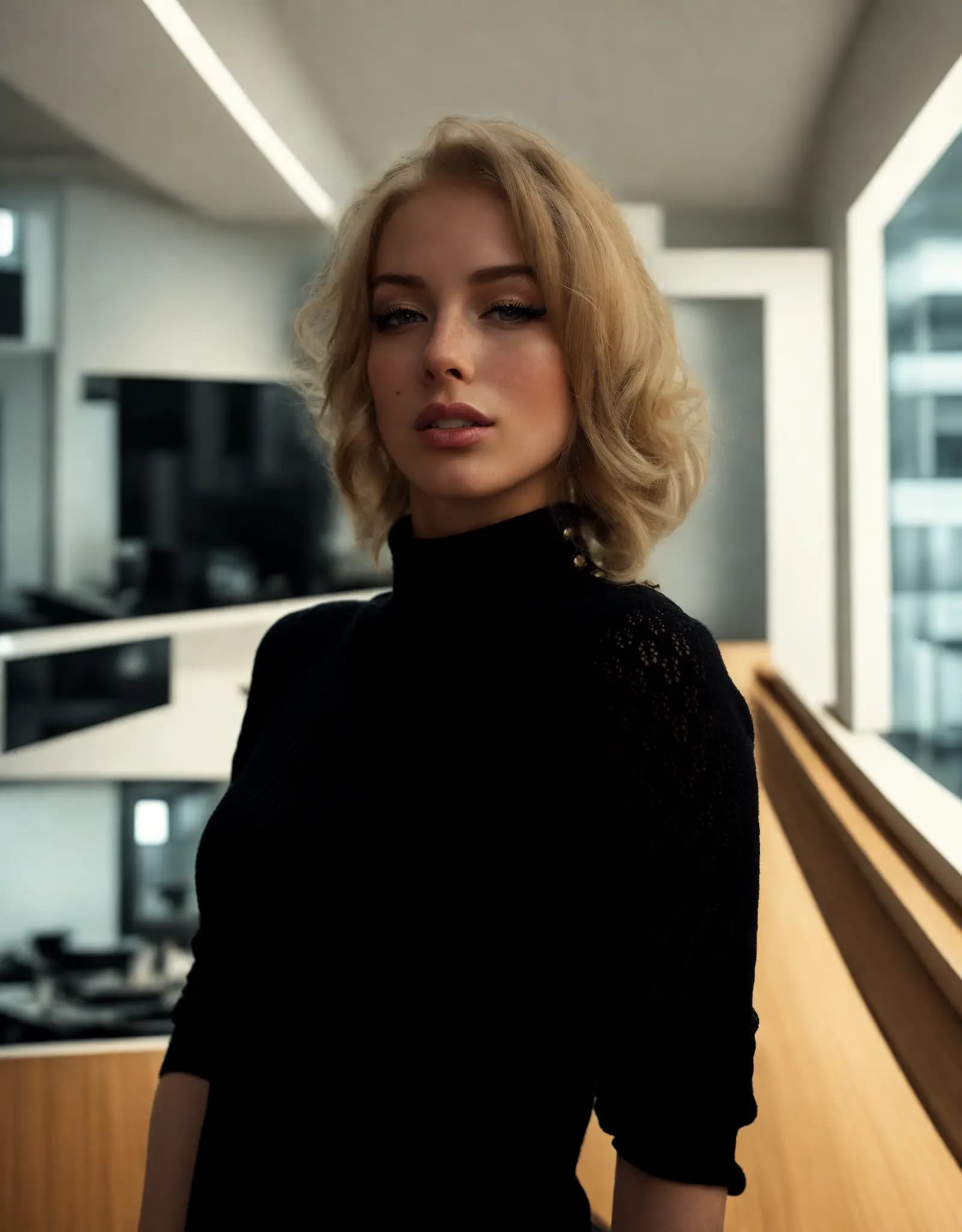
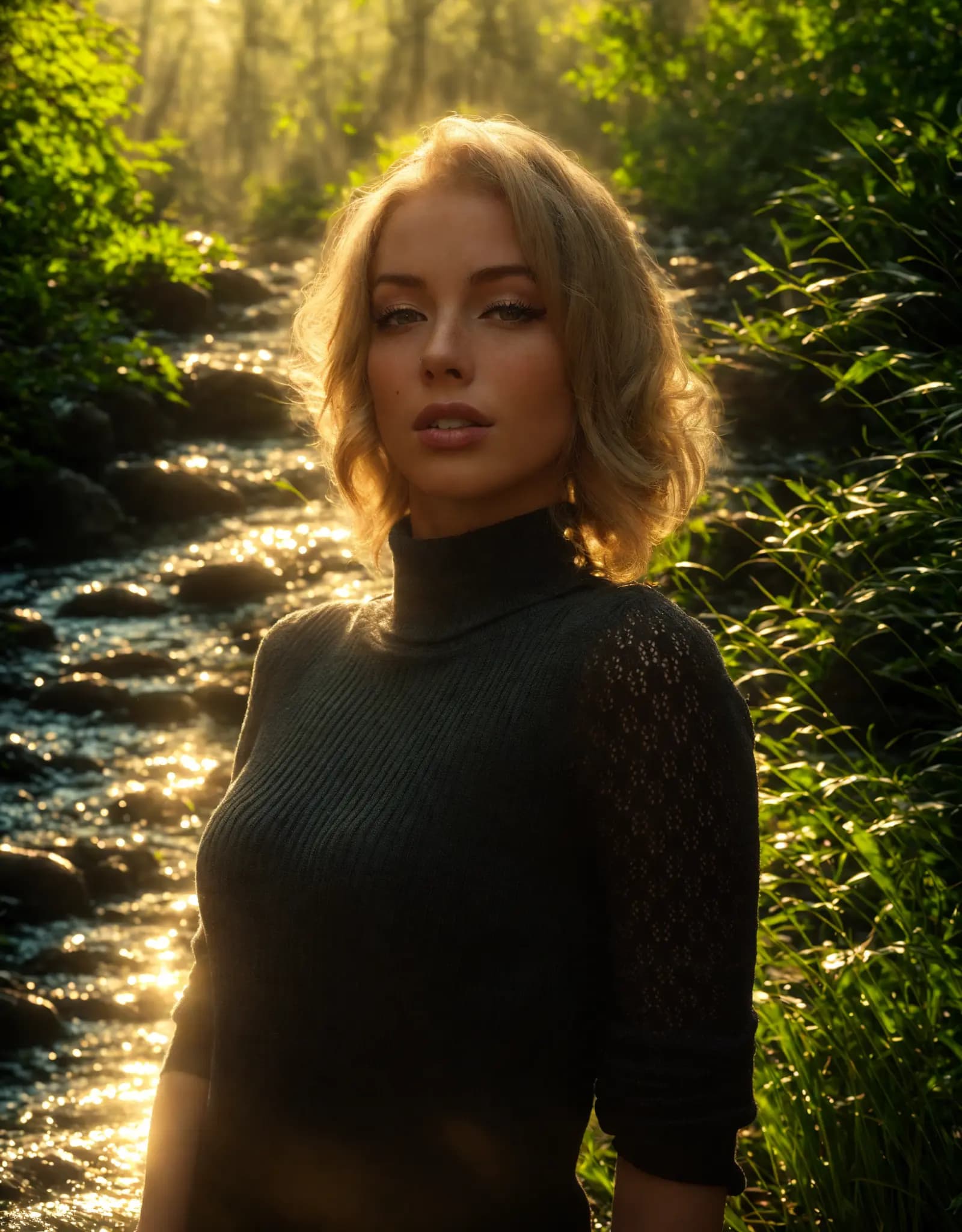
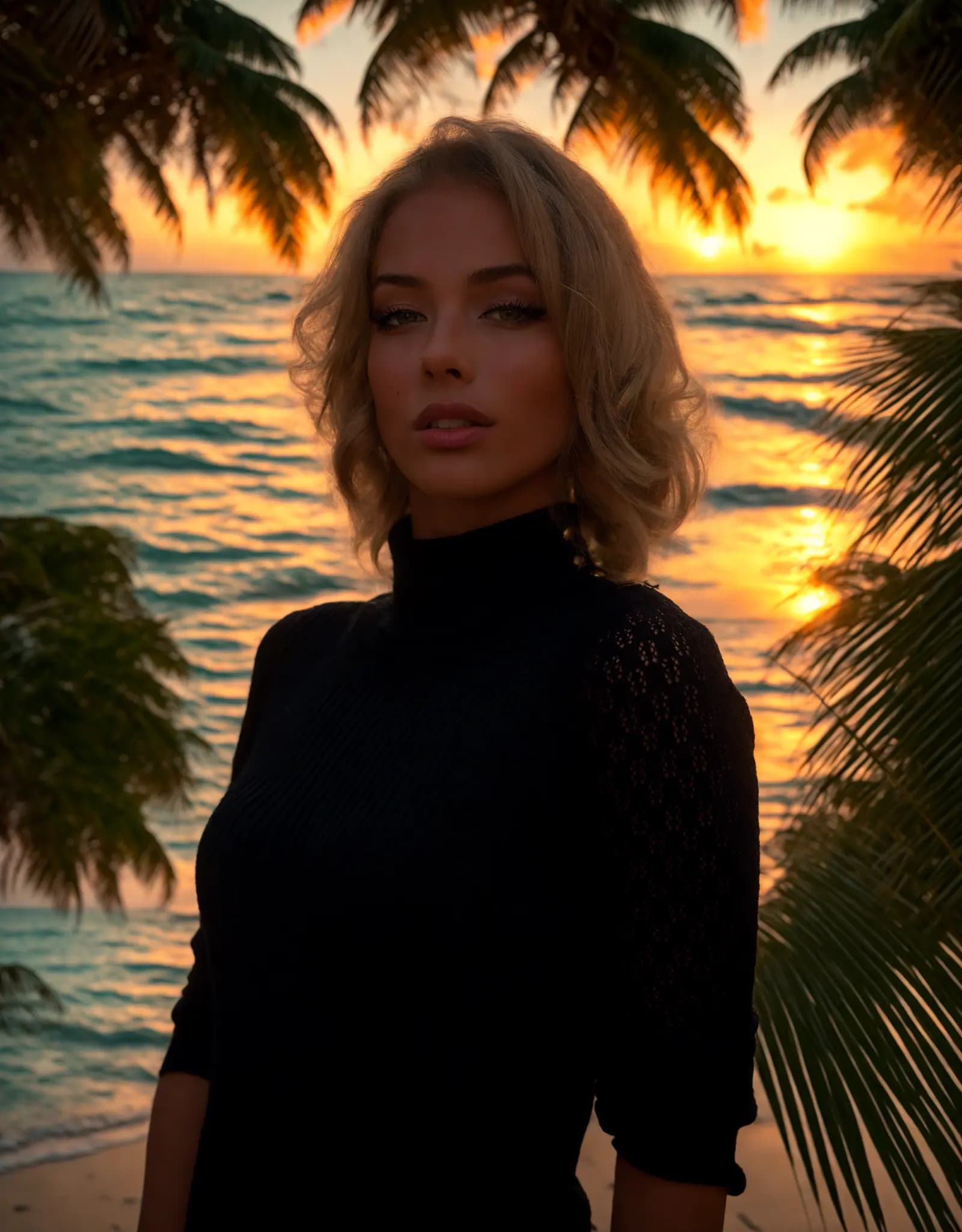
Describe the lighting you want, and Relight AI transforms your photos in seconds. No sliders, no design skills required.
Fix harsh shadows, flat lighting, or dark portraits with a simple prompt. Describe the look you want, and Relight AI creates cleaner, more flattering portrait lighting in seconds.
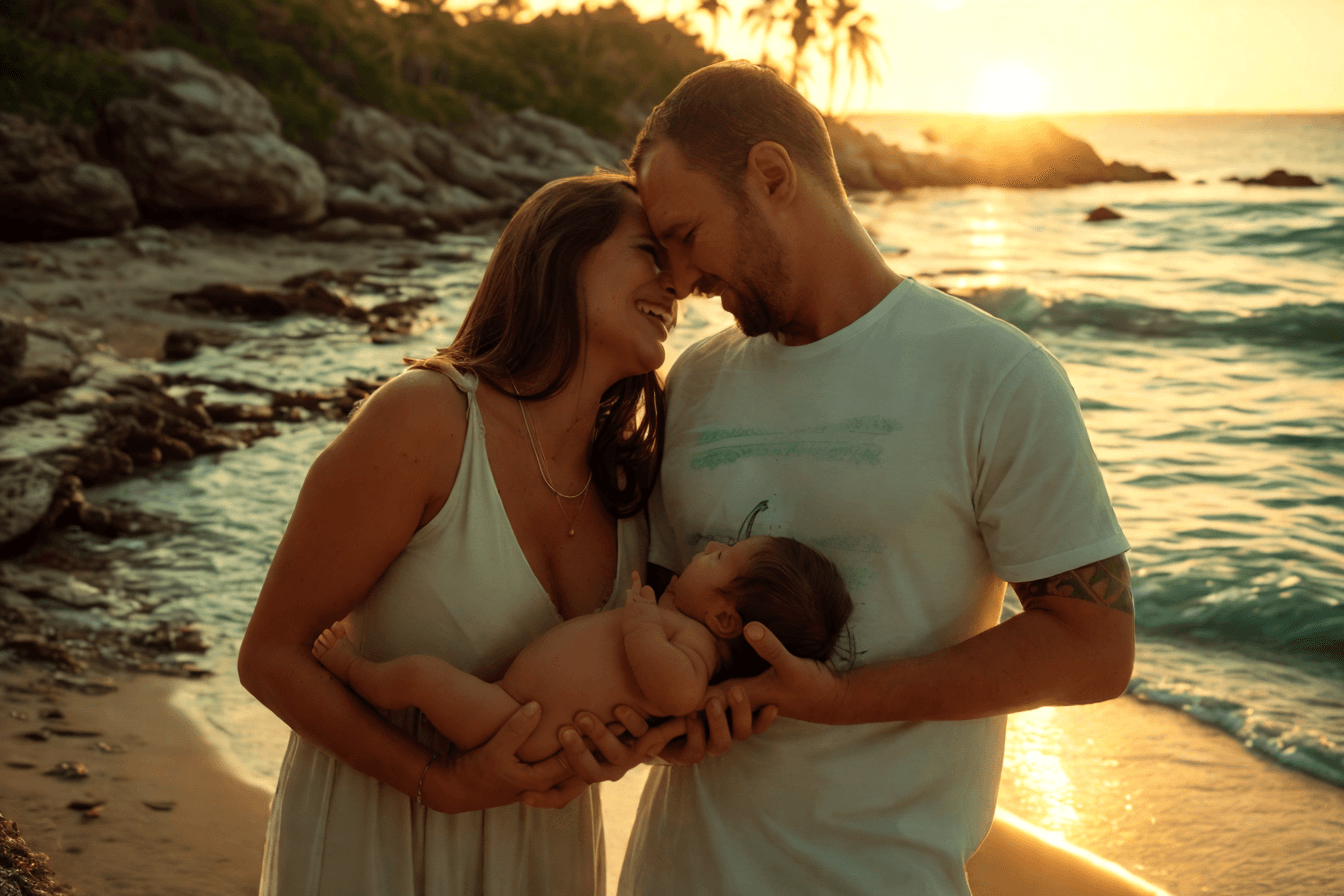
Create clean, consistent product photos for catalogs, marketplaces, and ads. Use one prompt to apply studio lighting, soft shadows, or a warmer lifestyle look.

Upload multiple photos, write one prompt, and apply the same lighting style across the batch. Ideal for product sets, real estate shoots, and large photo libraries.
Adjust photo lighting directly in your browser with free online relighting tools.
Fix dark photos, flat lighting, harsh shadows, and uneven exposure with a fast online relighting workflow.
Clipdrop Relight is powerful, but Relight AI offers a faster, browser-based way to relight photos with no sign-up, no installation, and flexible prompt control.
Haz clic en el botón [Subir] para seleccionar tu imagen en formatos PNG, JPEG o WEBP, con un tamaño máximo de 5MB.
Ingresa una descripción detallada del fondo deseado en el campo [Prompt del Fondo]. Sé específico sobre los elementos y efectos de iluminación que deseas lograr, ya que esto ayudará a la IA a generar los mejores resultados.
Haz clic en el botón [Relight] para que nuestro modelo de IA cambie el fondo de la foto. Este proceso generalmente toma 10-15 segundos.
FAQ
Home.faq.items.free.answer
Home.faq.items.privacy.answer
Home.faq.items.usage.answer
Home.faq.items.photoTypes.answer
Home.faq.items.prompts.answer
Home.faq.items.formats.answer
Home.faq.items.difference.answer