
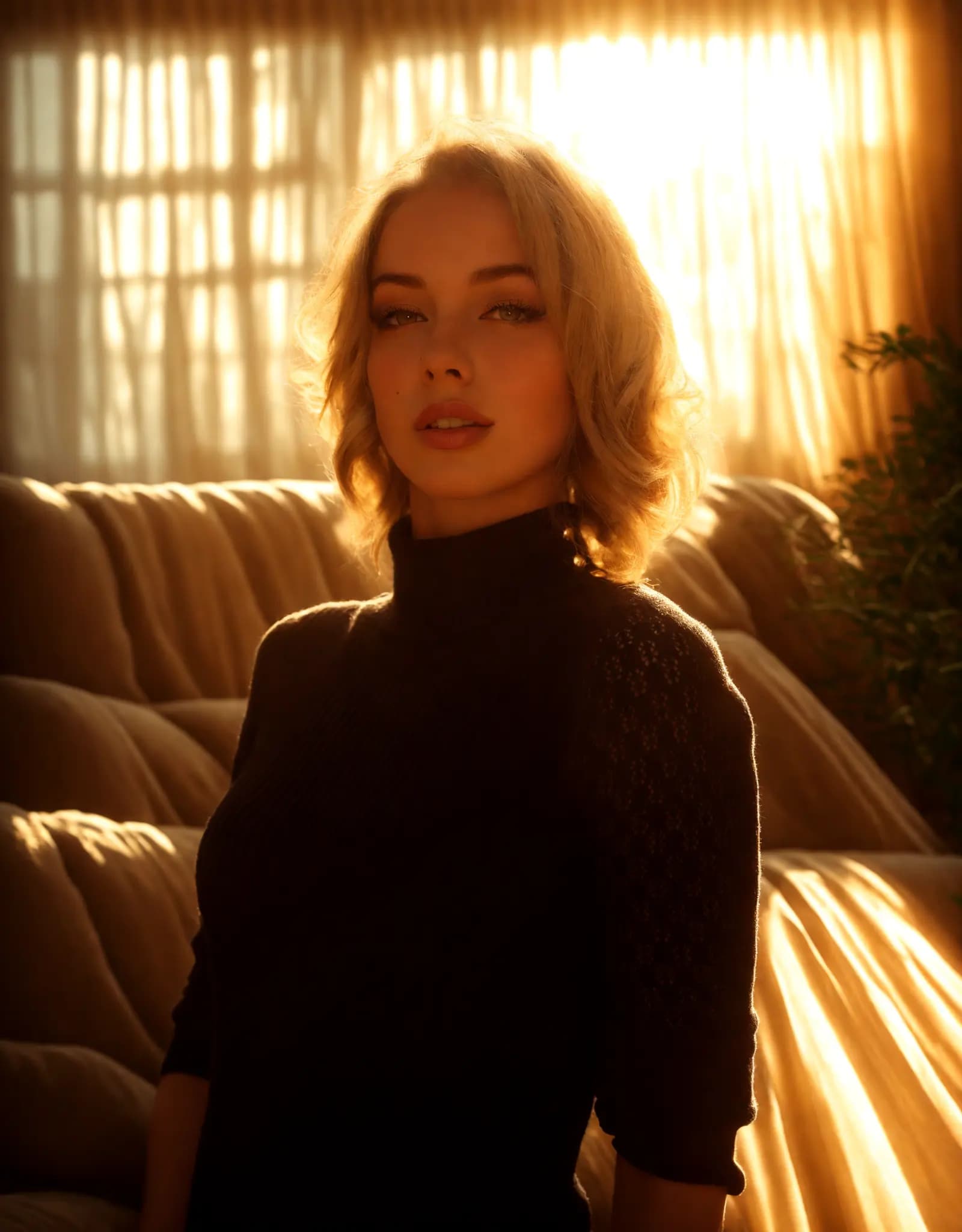
Warm golden hour glow
Portrait Relighting - Just Describe the Look
Fix harsh shadows, flat lighting, or dark portraits with a simple prompt. Describe the look you want, and Relight AI creates cleaner, more flattering portrait lighting in seconds.
AI 기반 스튜디오 어시스턴트
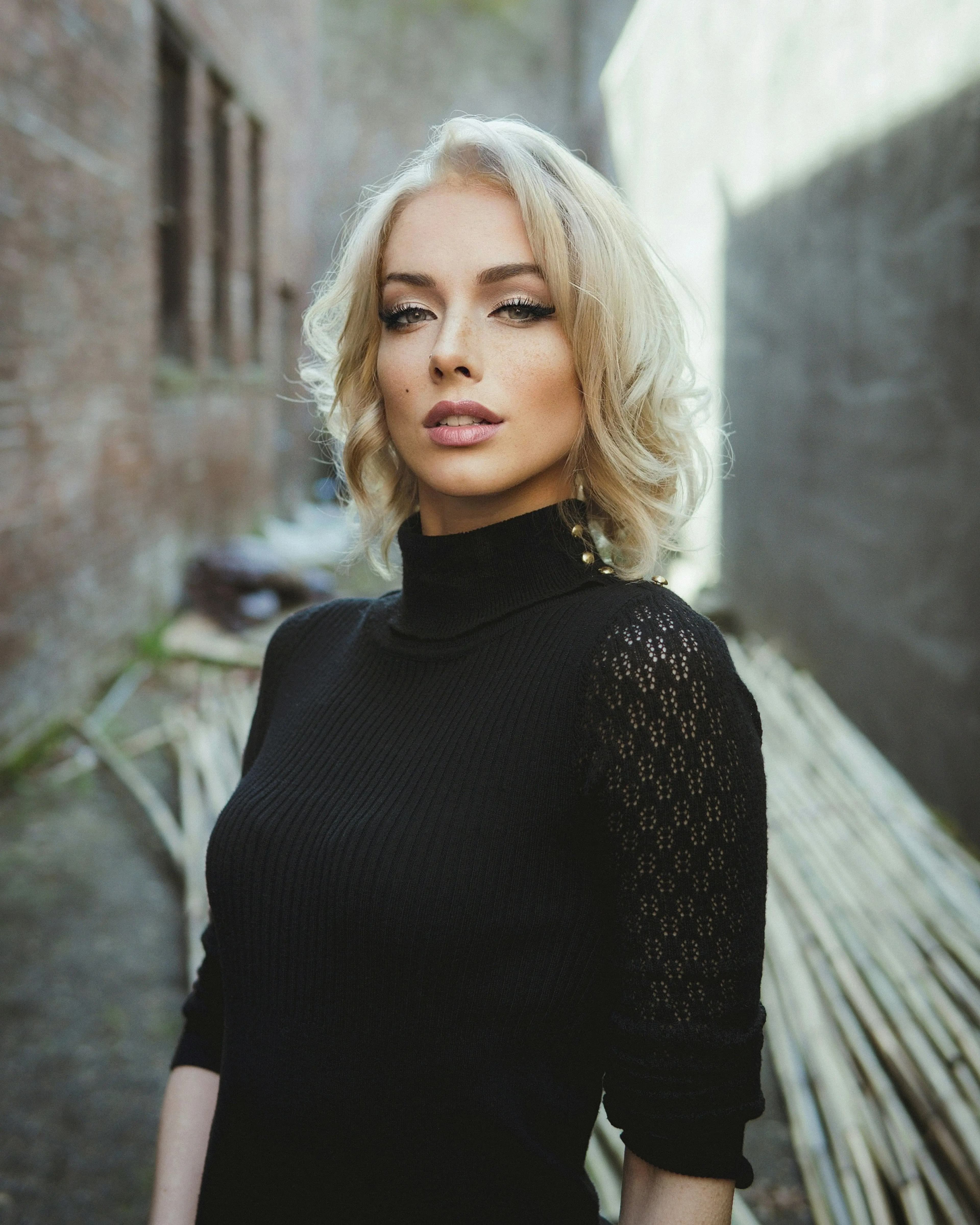
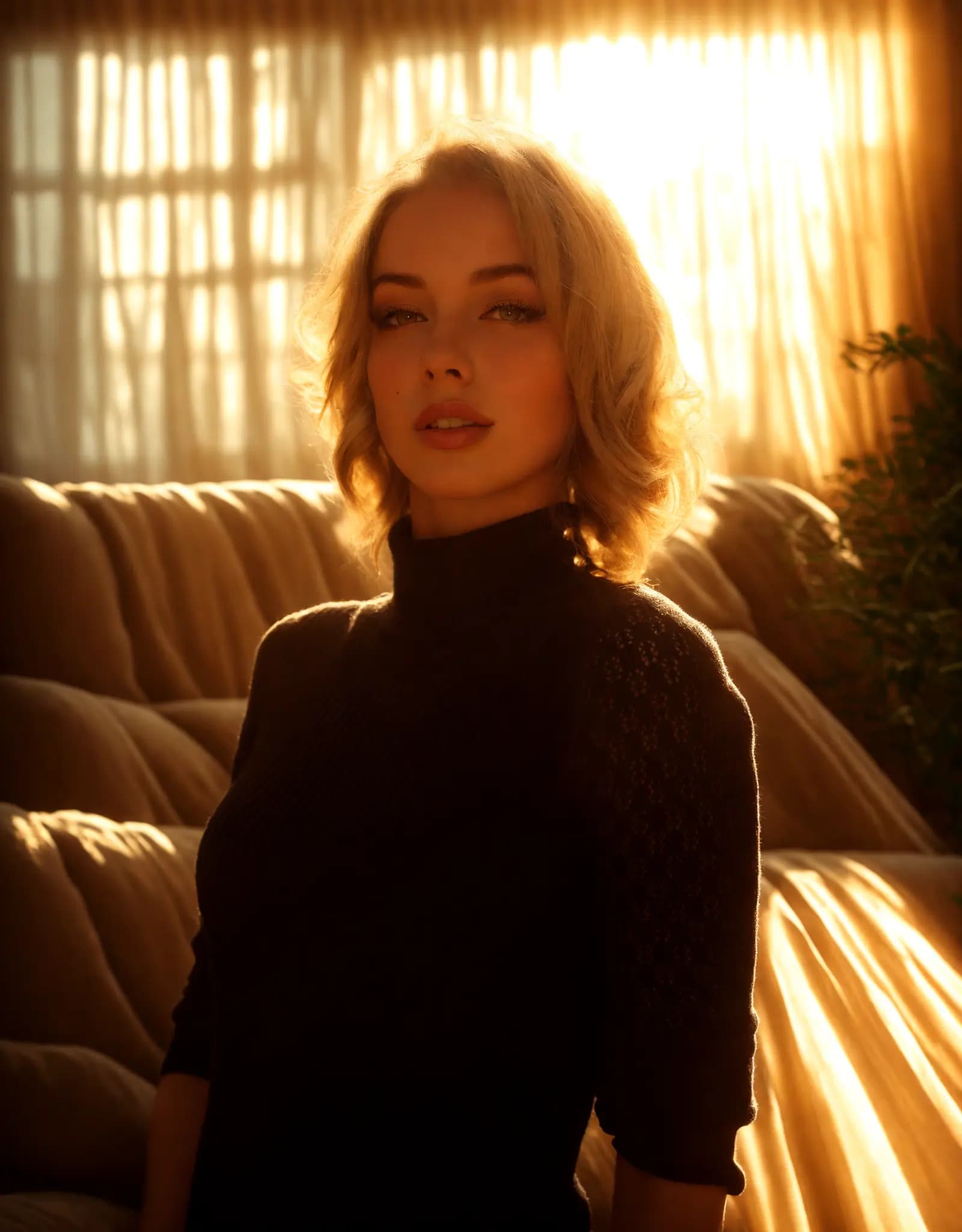
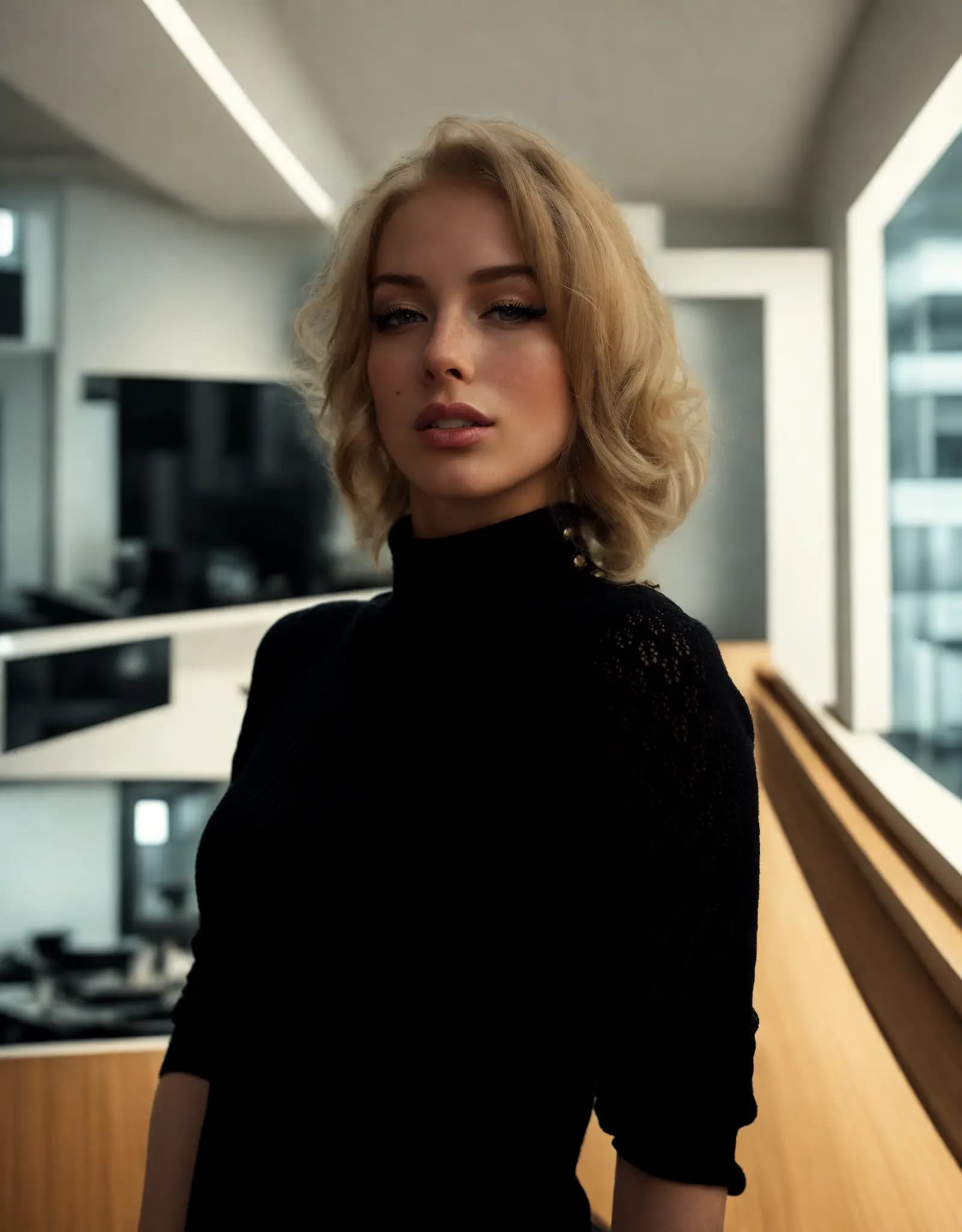
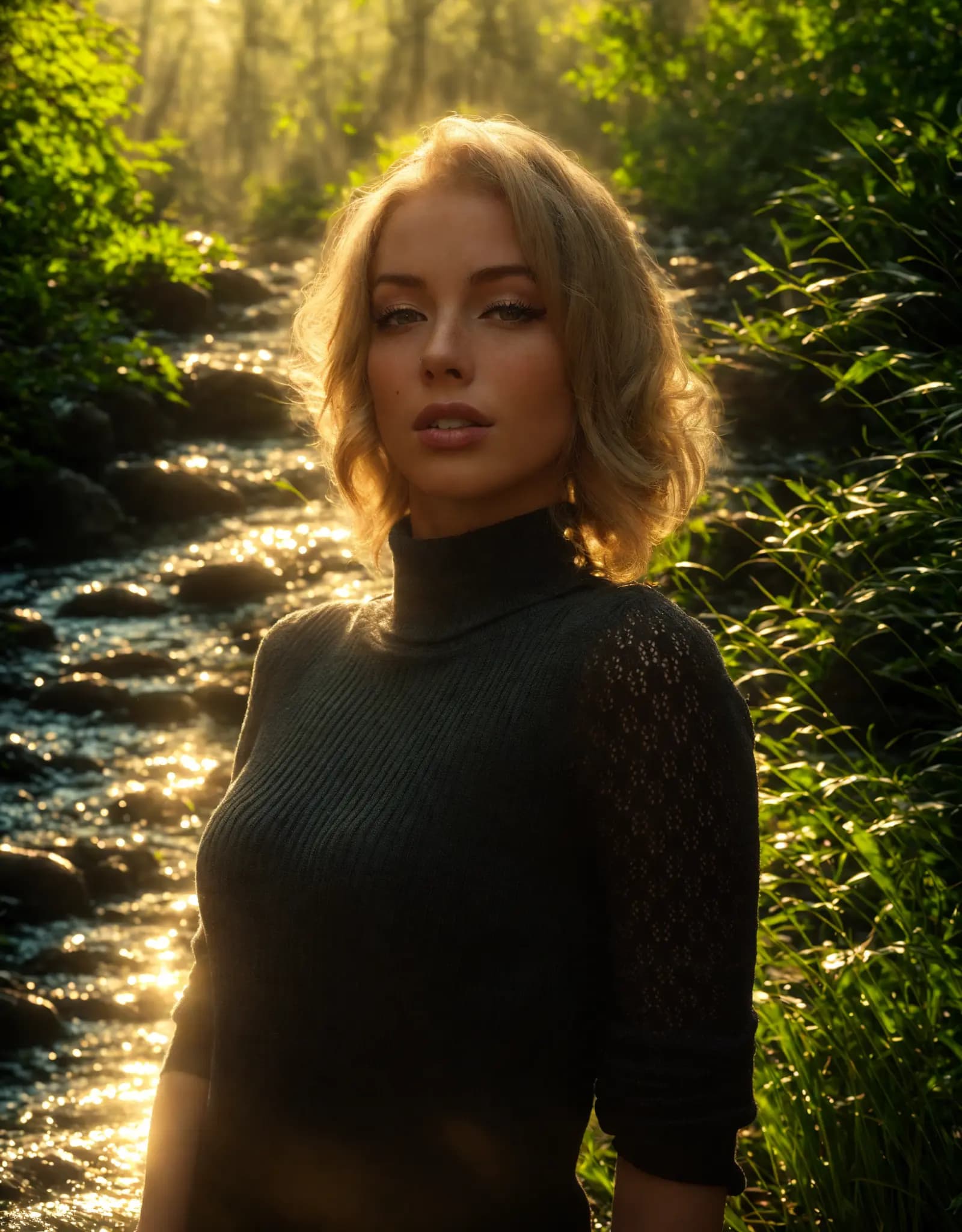

Describe the lighting you want, and Relight AI transforms your photos in seconds. No sliders, no design skills required.
Fix harsh shadows, flat lighting, or dark portraits with a simple prompt. Describe the look you want, and Relight AI creates cleaner, more flattering portrait lighting in seconds.
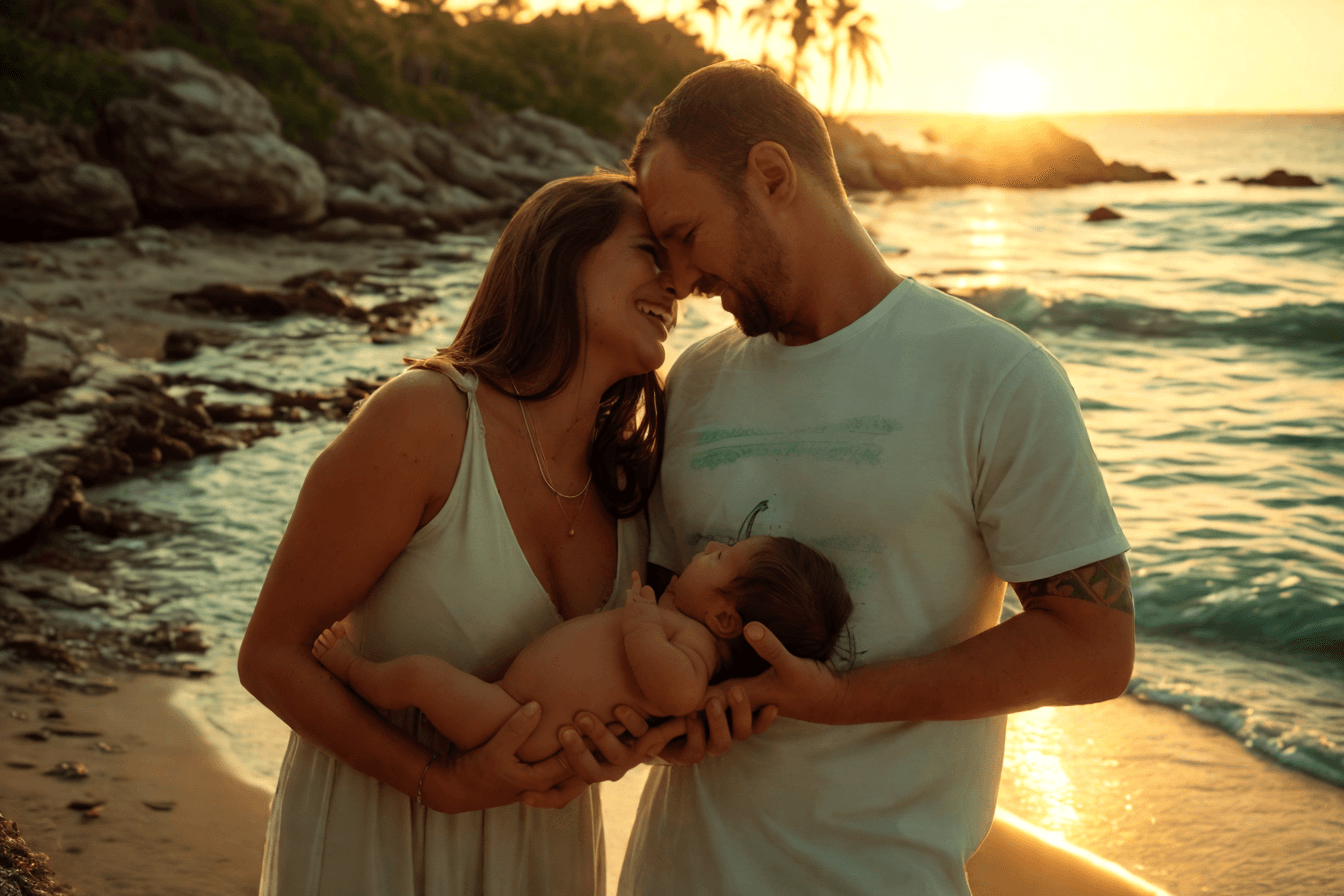
Create clean, consistent product photos for catalogs, marketplaces, and ads. Use one prompt to apply studio lighting, soft shadows, or a warmer lifestyle look.

Upload multiple photos, write one prompt, and apply the same lighting style across the batch. Ideal for product sets, real estate shoots, and large photo libraries.
Adjust photo lighting directly in your browser with free online relighting tools.
Fix dark photos, flat lighting, harsh shadows, and uneven exposure with a fast online relighting workflow.
Clipdrop Relight is powerful, but Relight AI offers a faster, browser-based way to relight photos with no sign-up, no installation, and flexible prompt control.
[업로드] 버튼을 클릭하여 PNG, JPEG 또는 WEBP 형식의 이미지를 선택하세요. 최대 파일 크기는 5MB입니다.
[배경 프롬프트] 필드에 원하는 배경에 대한 자세한 설명을 입력하세요. 원하는 요소와 조명 효과를 구체적으로 지정하면 AI가 최상의 결과를 생성할 수 있습니다.
[리라이트] 버튼을 클릭하여 AI 모델이 사진 배경을 변경합니다. 이 과정은 보통 10-15초가 소요됩니다.
자주 묻는 질문
Home.faq.items.free.answer
Home.faq.items.privacy.answer
Home.faq.items.usage.answer
Home.faq.items.photoTypes.answer
Home.faq.items.prompts.answer
Home.faq.items.formats.answer
Home.faq.items.difference.answer