
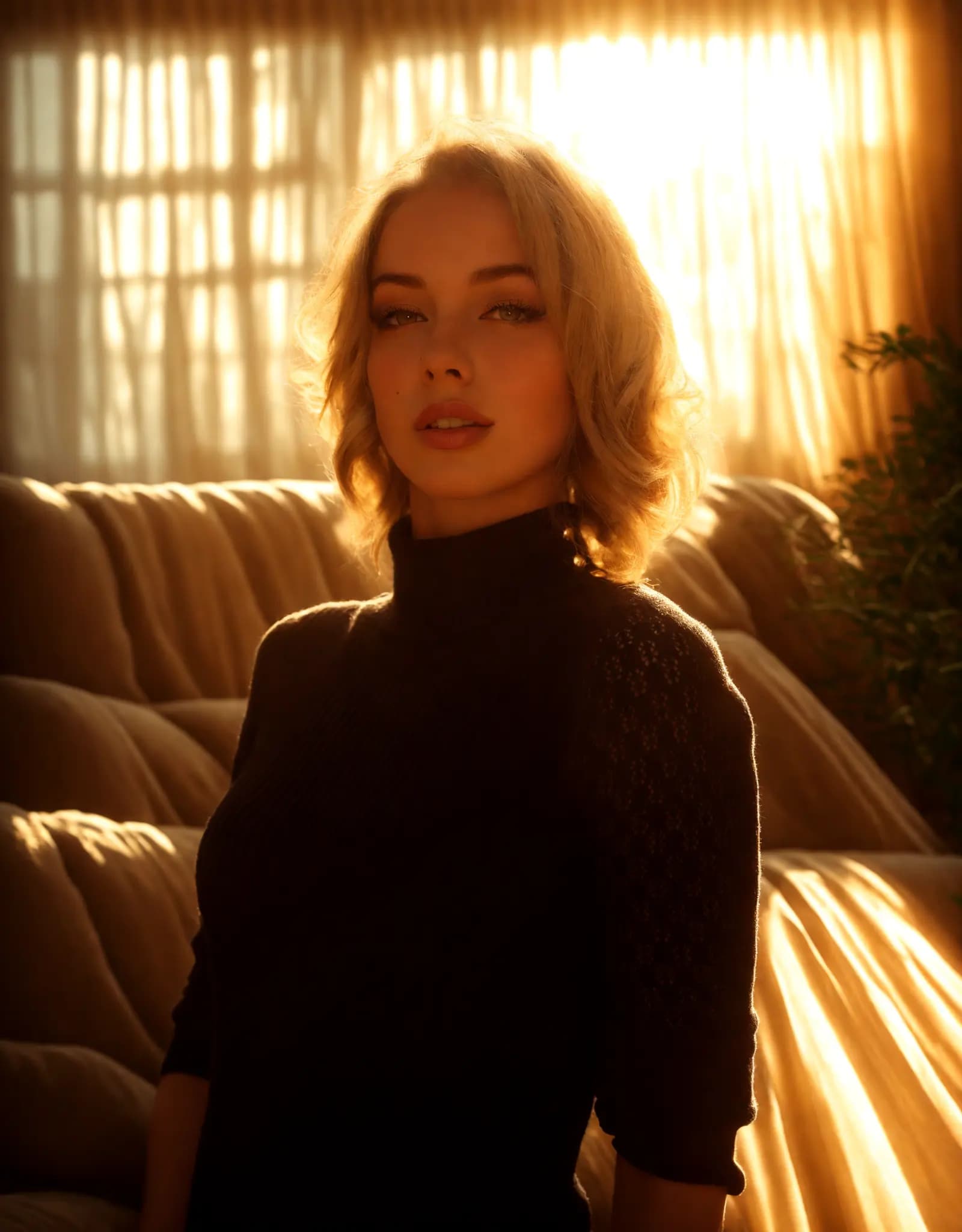
Warm golden hour glow
Portrait Relighting - Just Describe the Look
Fix harsh shadows, flat lighting, or dark portraits with a simple prompt. Describe the look you want, and Relight AI creates cleaner, more flattering portrait lighting in seconds.
Ваш AI-ассистент для студийной съемки
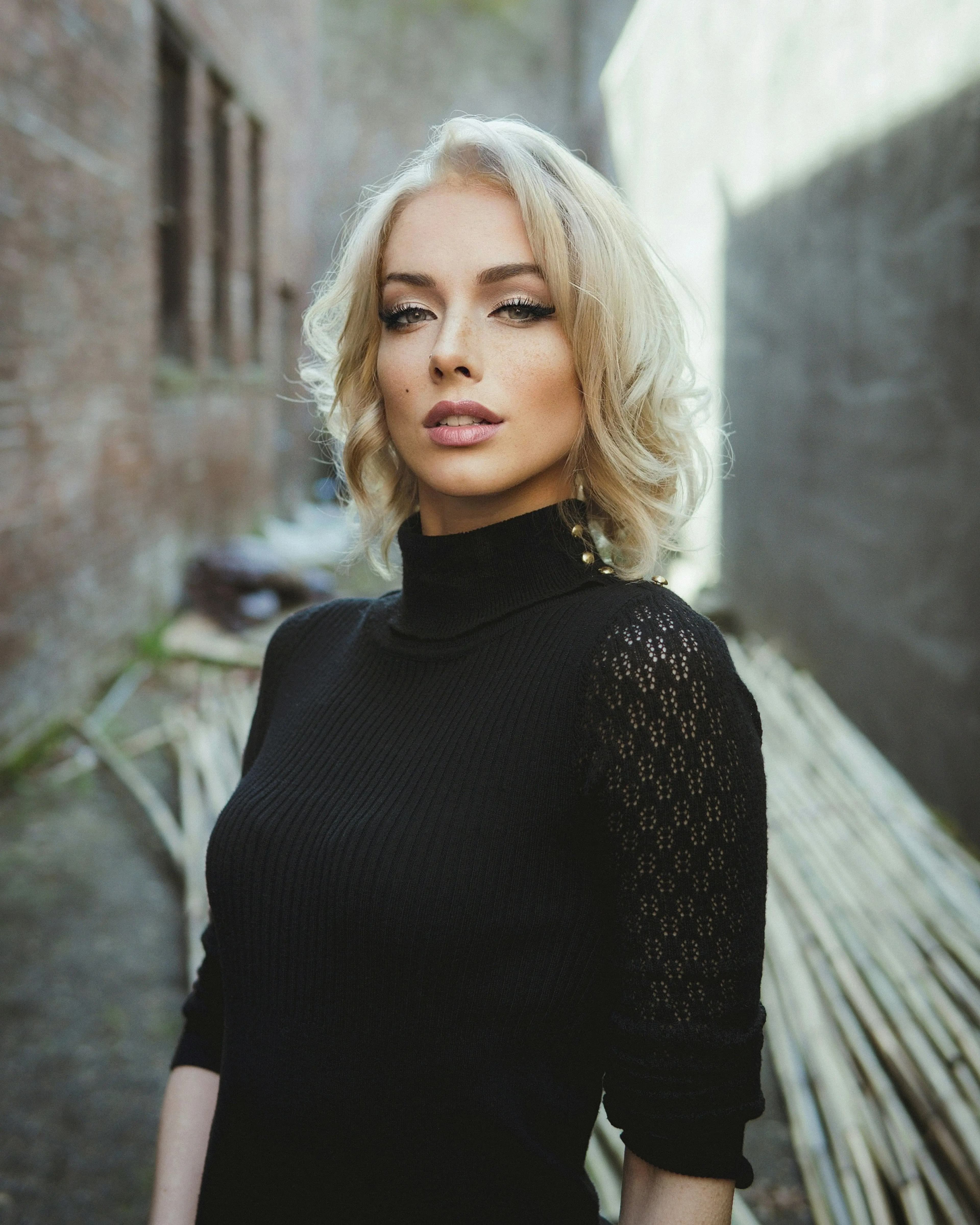
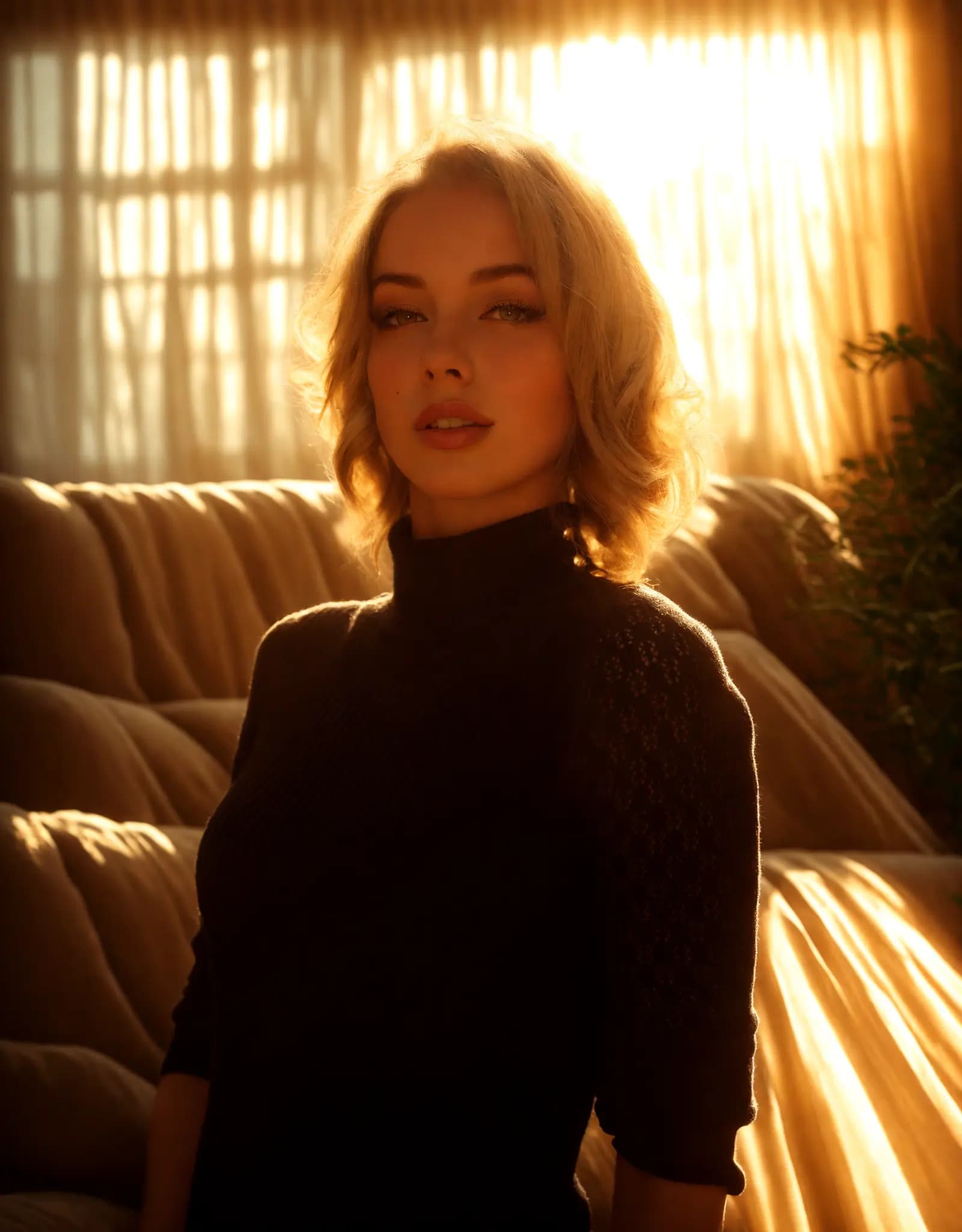
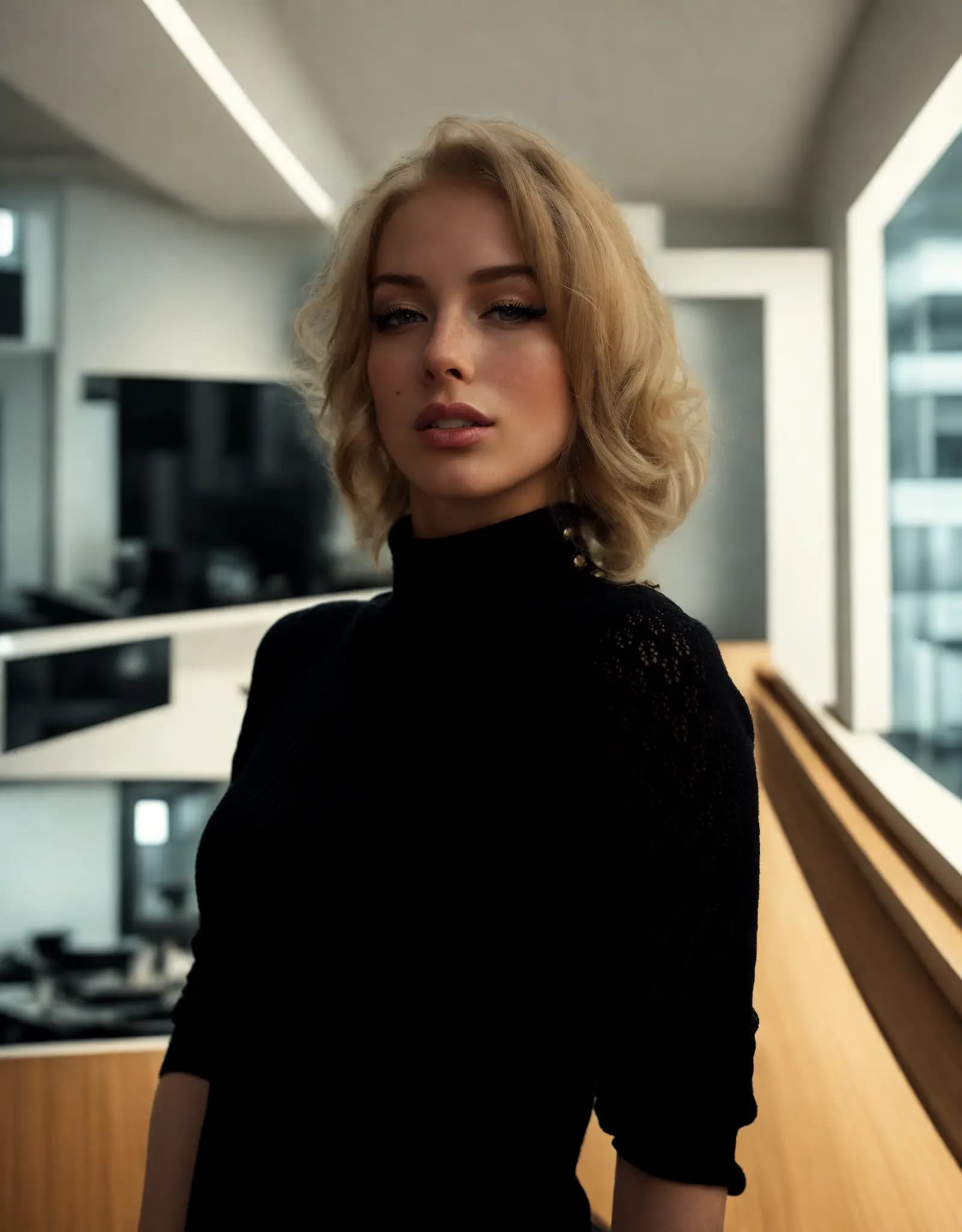
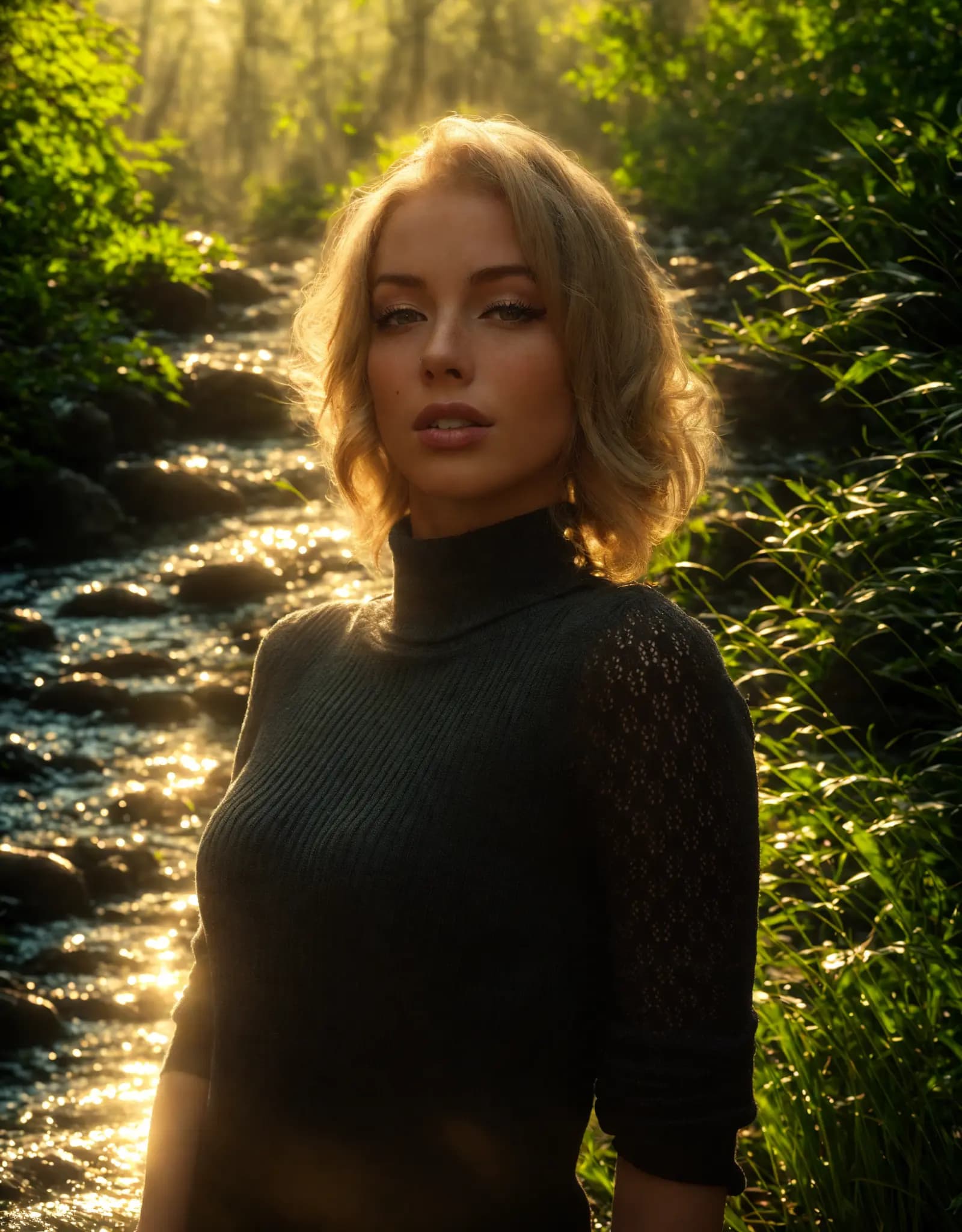

Describe the lighting you want, and Relight AI transforms your photos in seconds. No sliders, no design skills required.
Fix harsh shadows, flat lighting, or dark portraits with a simple prompt. Describe the look you want, and Relight AI creates cleaner, more flattering portrait lighting in seconds.
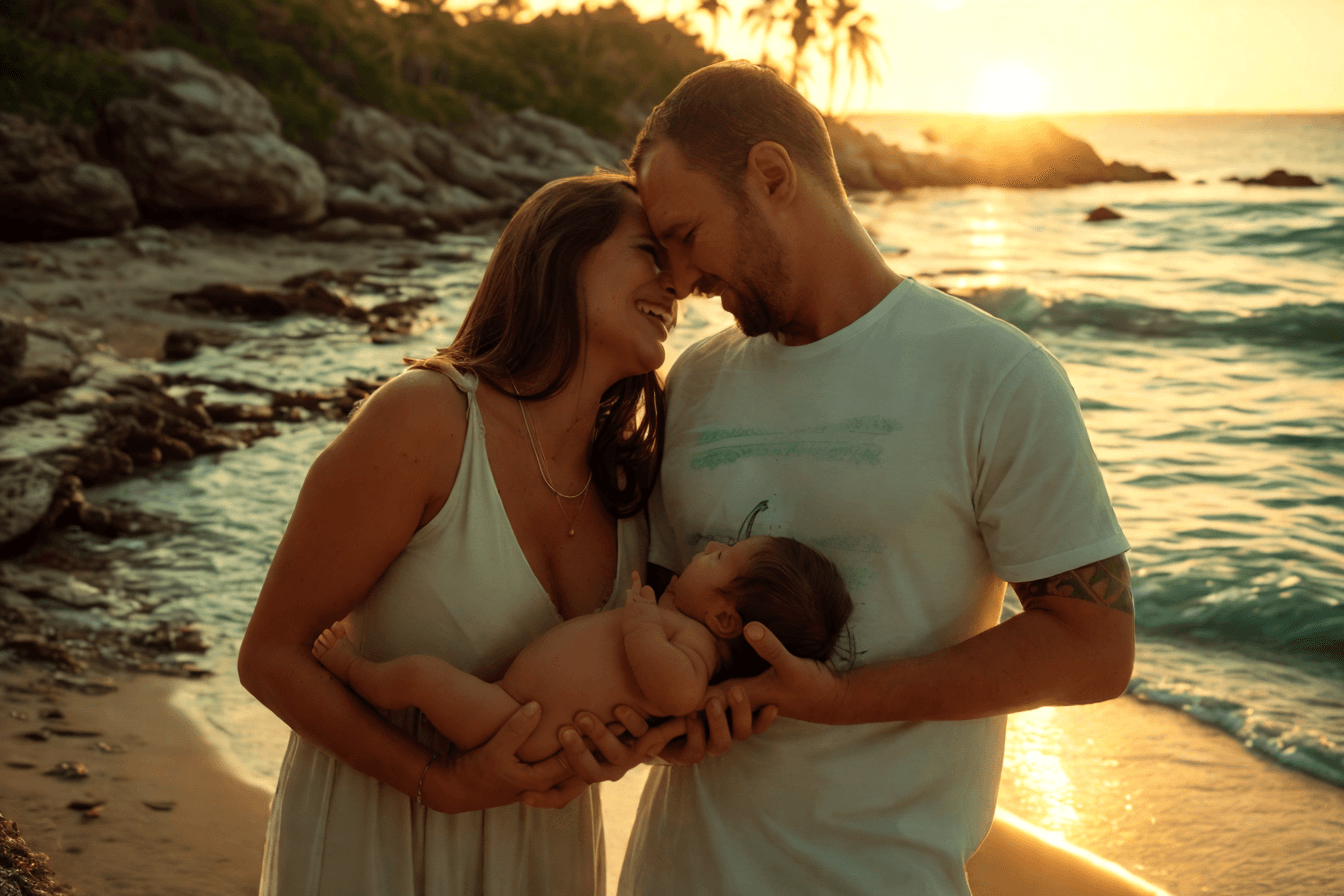
Create clean, consistent product photos for catalogs, marketplaces, and ads. Use one prompt to apply studio lighting, soft shadows, or a warmer lifestyle look.

Upload multiple photos, write one prompt, and apply the same lighting style across the batch. Ideal for product sets, real estate shoots, and large photo libraries.
Adjust photo lighting directly in your browser with free online relighting tools.
Fix dark photos, flat lighting, harsh shadows, and uneven exposure with a fast online relighting workflow.
Clipdrop Relight is powerful, but Relight AI offers a faster, browser-based way to relight photos with no sign-up, no installation, and flexible prompt control.
Нажмите кнопку [Загрузить], чтобы выбрать изображение в формате PNG, JPEG или WEBP, максимальный размер файла 5 МБ.
Введите подробное описание желаемого фона в поле [Промпт для фона]. Будьте конкретны в описании элементов и эффектов освещения, которые хотите получить, это поможет AI создать лучший результат.
Нажмите кнопку [Улучшить], чтобы наша AI-модель изменила фон фотографии. Этот процесс обычно занимает 10-15 секунд.
FAQ
Home.faq.items.free.answer
Home.faq.items.privacy.answer
Home.faq.items.usage.answer
Home.faq.items.photoTypes.answer
Home.faq.items.prompts.answer
Home.faq.items.formats.answer
Home.faq.items.difference.answer