
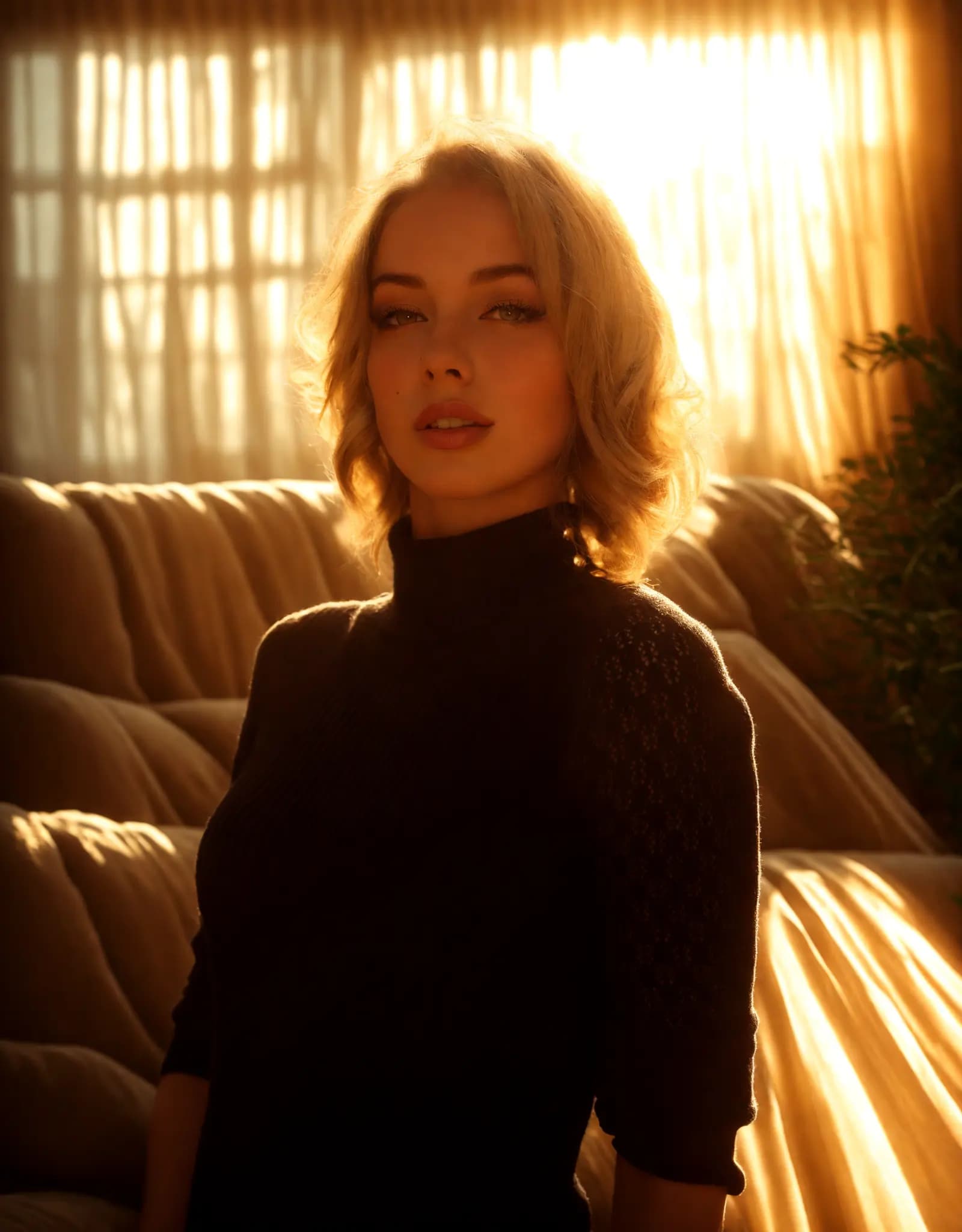
Warm golden hour glow
Portrait Relighting - Just Describe the Look
Fix harsh shadows, flat lighting, or dark portraits with a simple prompt. Describe the look you want, and Relight AI creates cleaner, more flattering portrait lighting in seconds.
你的AI摄影助手
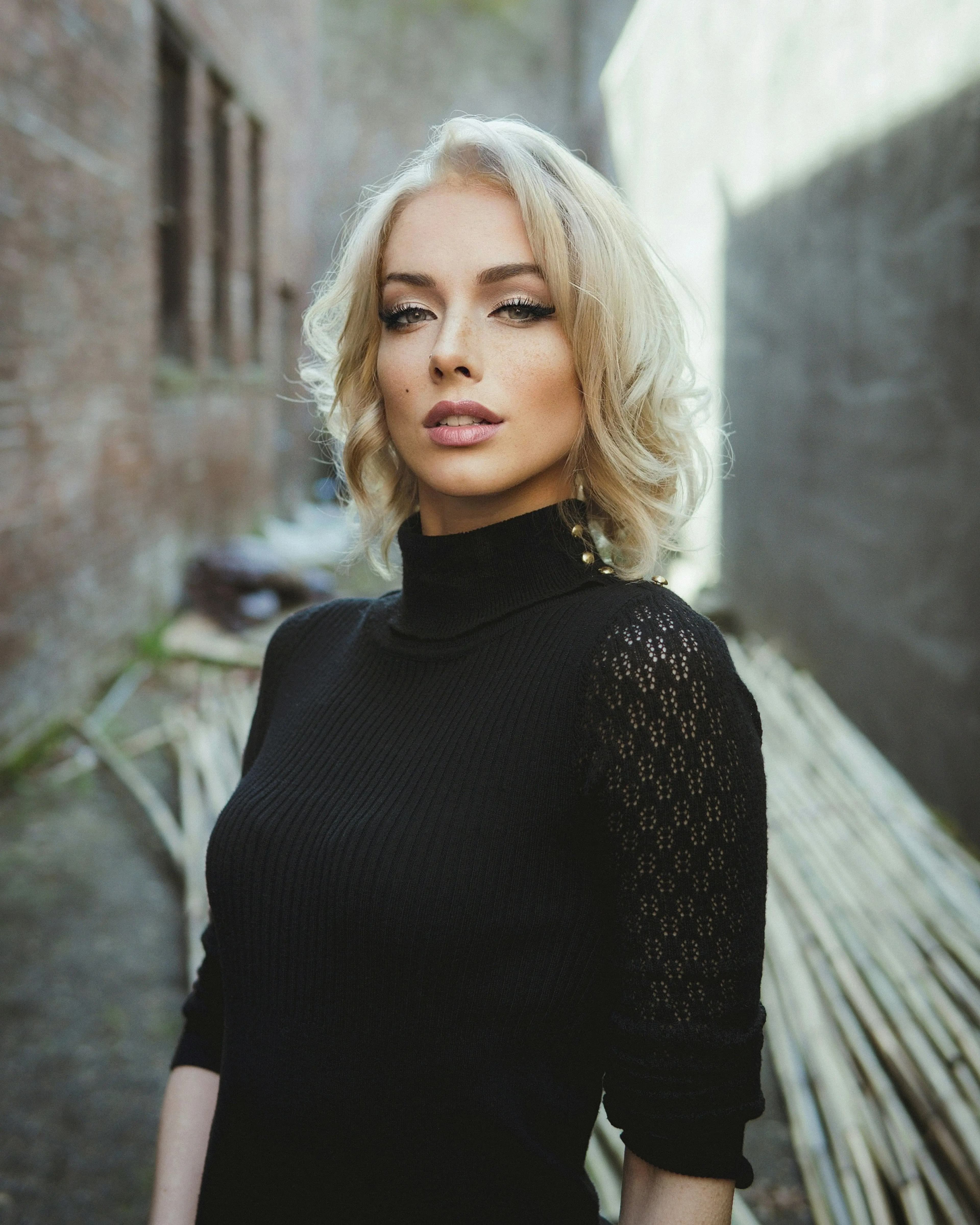
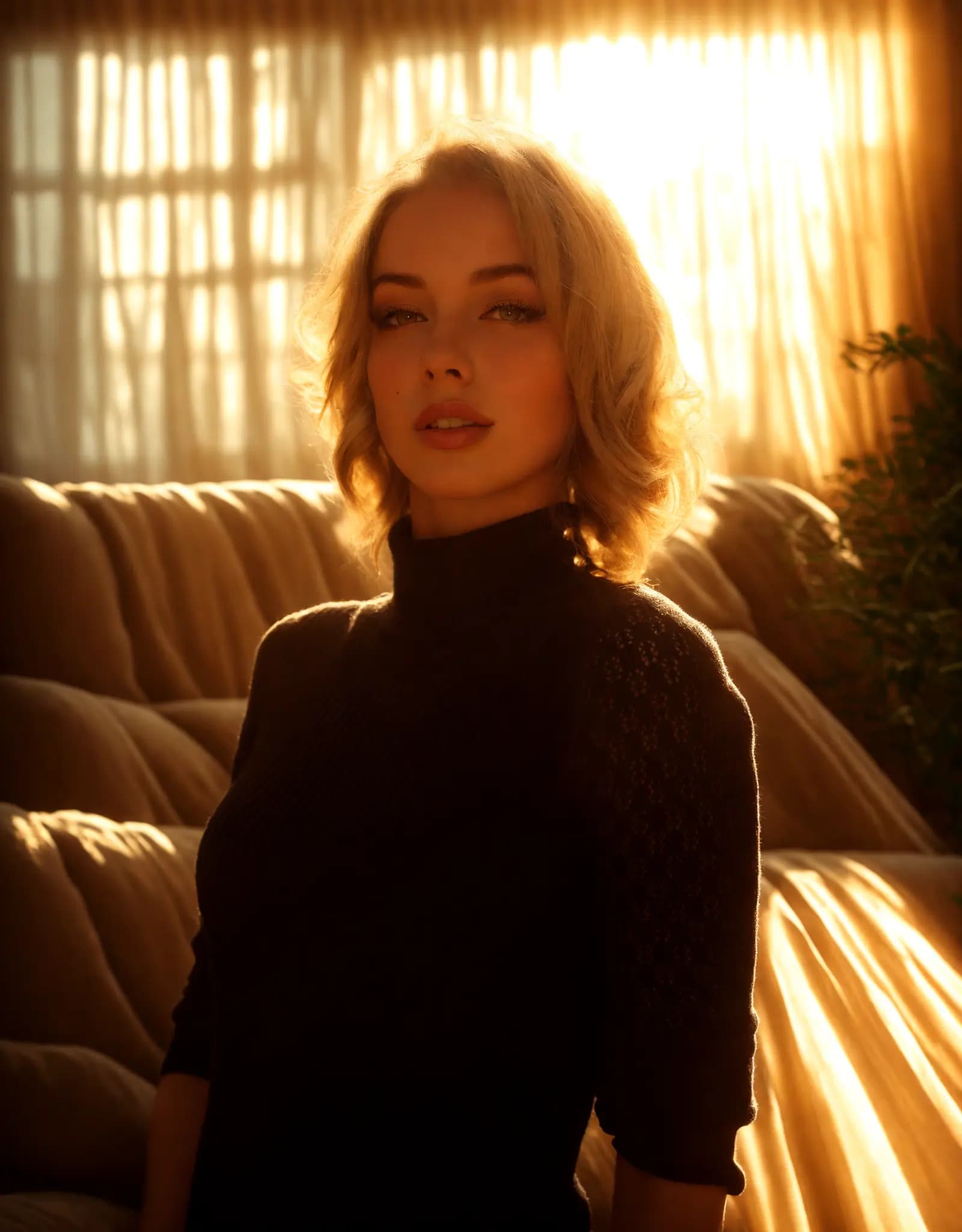
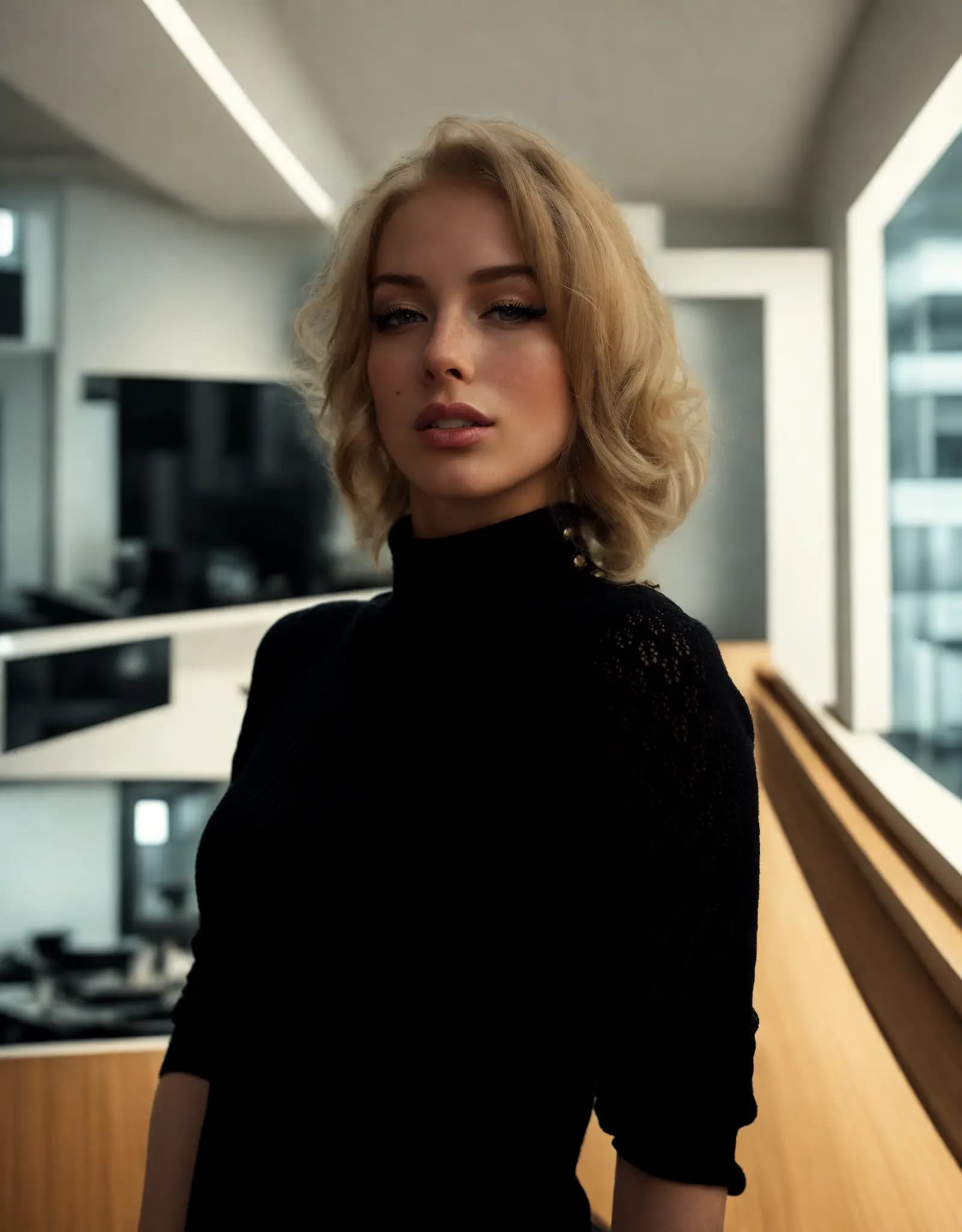
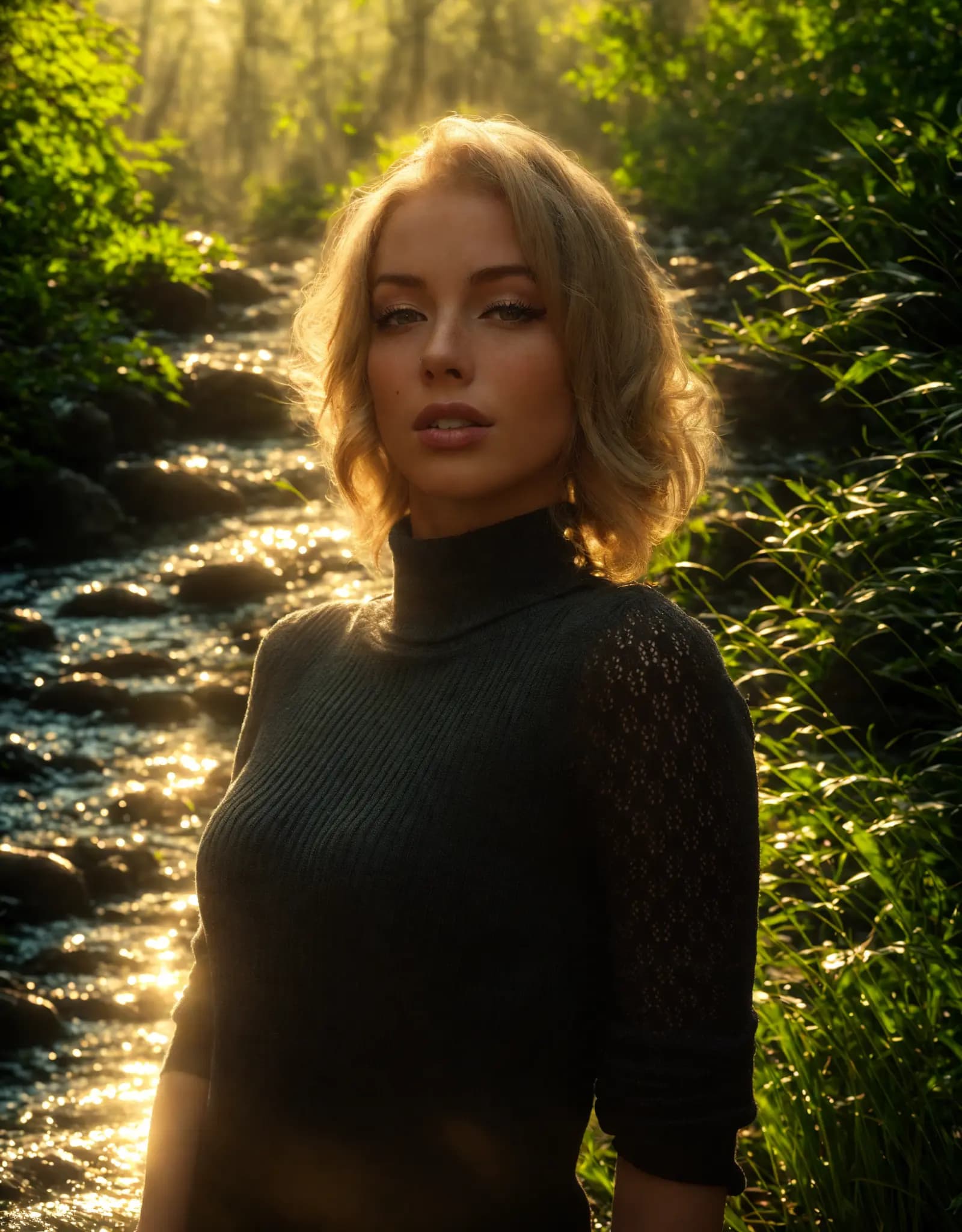

Describe the lighting you want, and Relight AI transforms your photos in seconds. No sliders, no design skills required.
Fix harsh shadows, flat lighting, or dark portraits with a simple prompt. Describe the look you want, and Relight AI creates cleaner, more flattering portrait lighting in seconds.
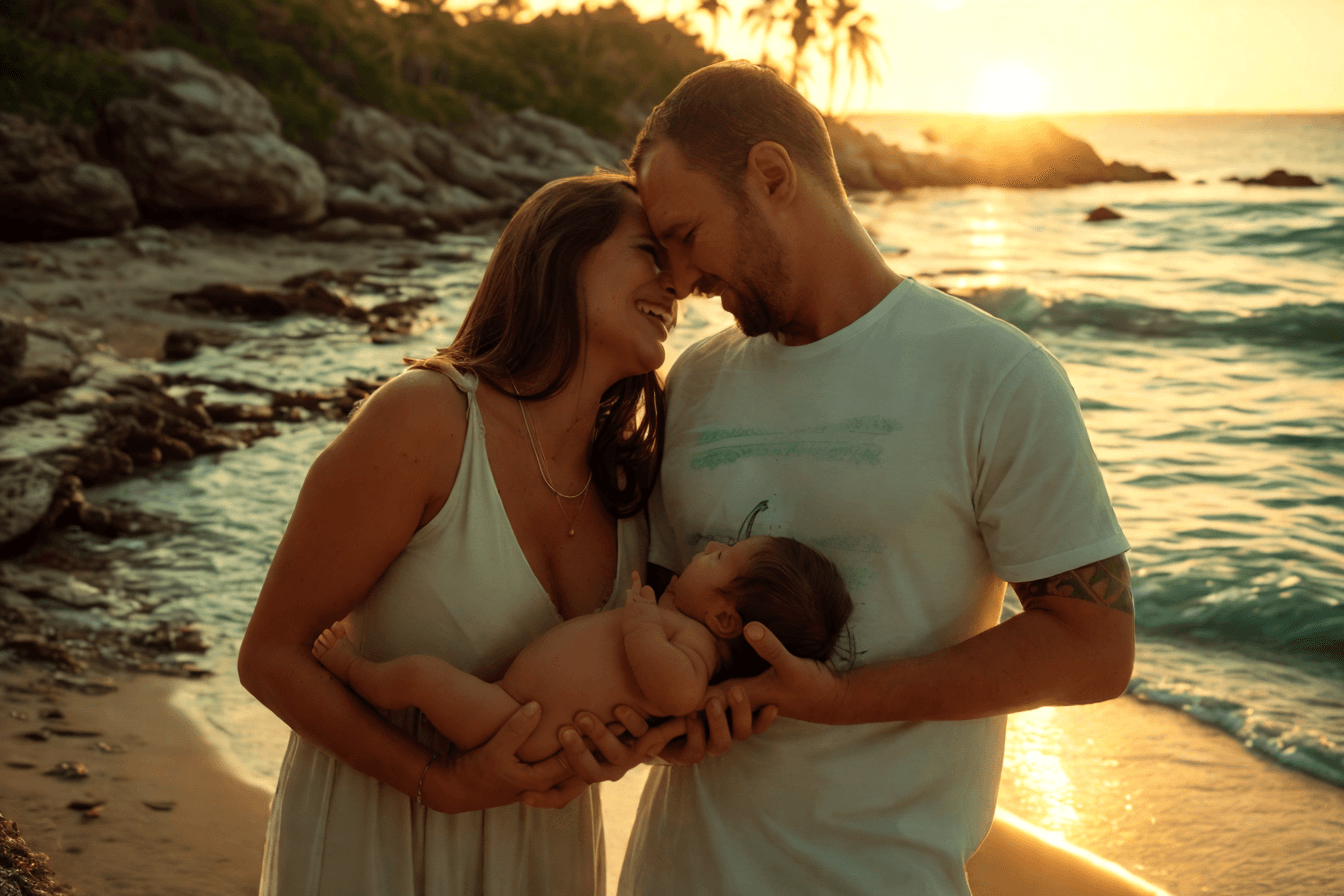
Create clean, consistent product photos for catalogs, marketplaces, and ads. Use one prompt to apply studio lighting, soft shadows, or a warmer lifestyle look.

Upload multiple photos, write one prompt, and apply the same lighting style across the batch. Ideal for product sets, real estate shoots, and large photo libraries.
Adjust photo lighting directly in your browser with free online relighting tools.
Fix dark photos, flat lighting, harsh shadows, and uneven exposure with a fast online relighting workflow.
Clipdrop Relight is powerful, but Relight AI offers a faster, browser-based way to relight photos with no sign-up, no installation, and flexible prompt control.
点击[上传]按钮选择PNG、JPEG或WEBP格式的图片,文件大小不超过5MB。
在[背景提示词]输入框中详细描述您想要的背景。请具体说明您想要实现的元素和光线效果,这将帮助AI生成最佳效果。
点击[优化]按钮,让我们的AI模型更换照片背景。此过程通常需要10-15秒。
常见问题
Home.faq.items.free.answer
Home.faq.items.privacy.answer
Home.faq.items.usage.answer
Home.faq.items.photoTypes.answer
Home.faq.items.prompts.answer
Home.faq.items.formats.answer
Home.faq.items.difference.answer